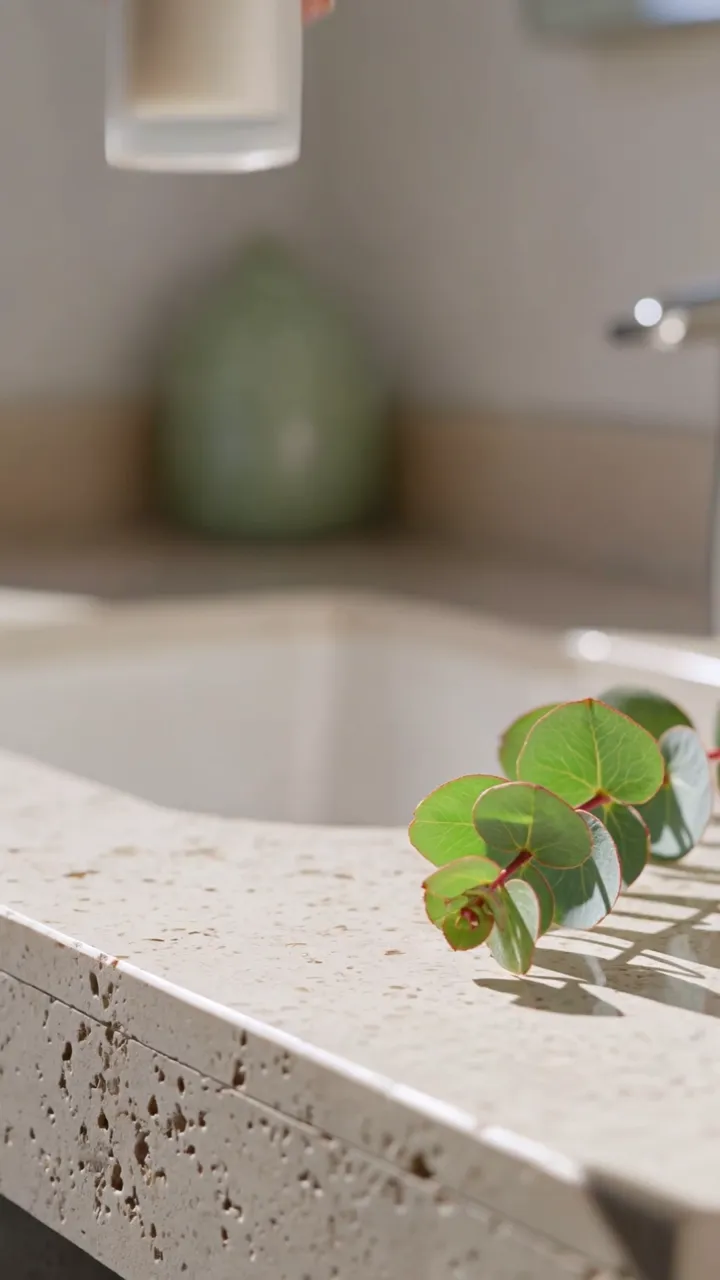
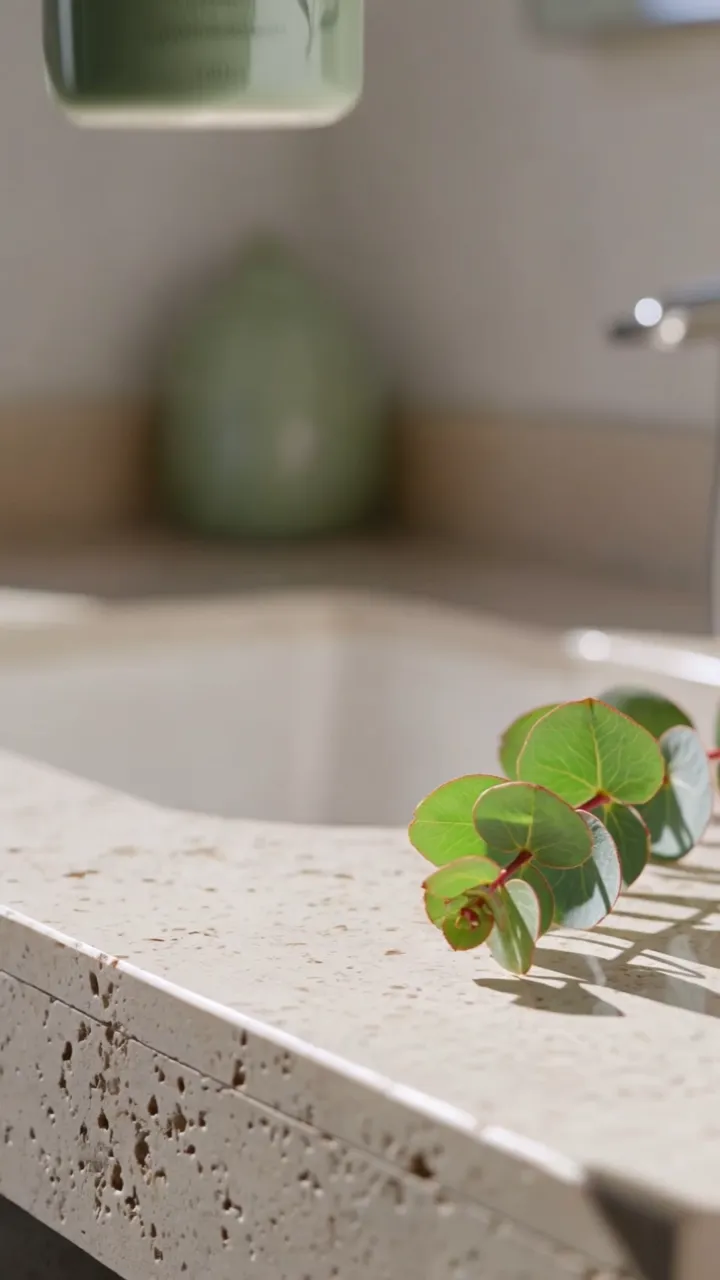

Swap the product
Swap the bottle for a face-cream jar
“Replace the white skincare bottle in the hand with @Element1, keep the hand, motion, light and eucalyptus identical”
Same take. Anyone, anything, anywhere.
Replace an object in your real footage — the can, the bottle, the prop — while keeping hands, light and camera.
Replace the person in a take using reference photos, with the same motion and camera.
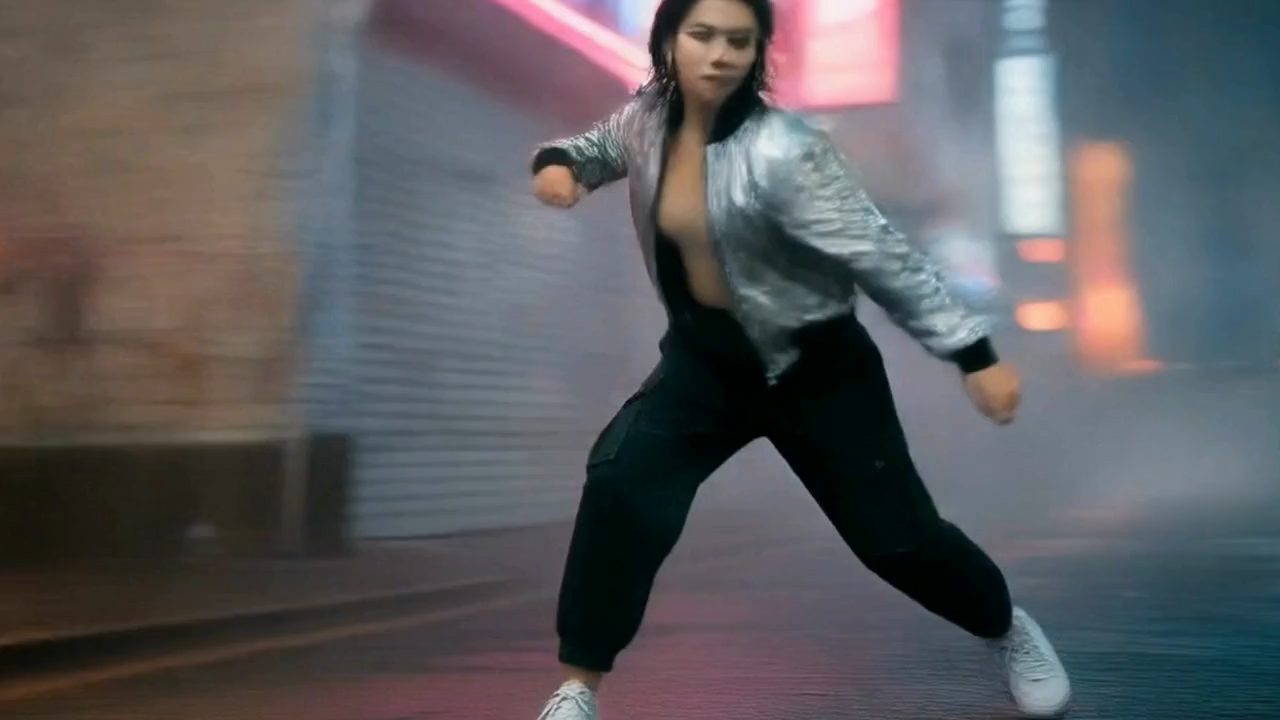
Transfer a performance onto another person in another world.
Keep the motion, change the world — turn a scene, product or animal clip into claymation, anime, watercolour and more.
Start with footage you already have.
“Replace the white skincare bottle in the hand with @Element1, keep the hand, motion, light and eucalyptus identical”
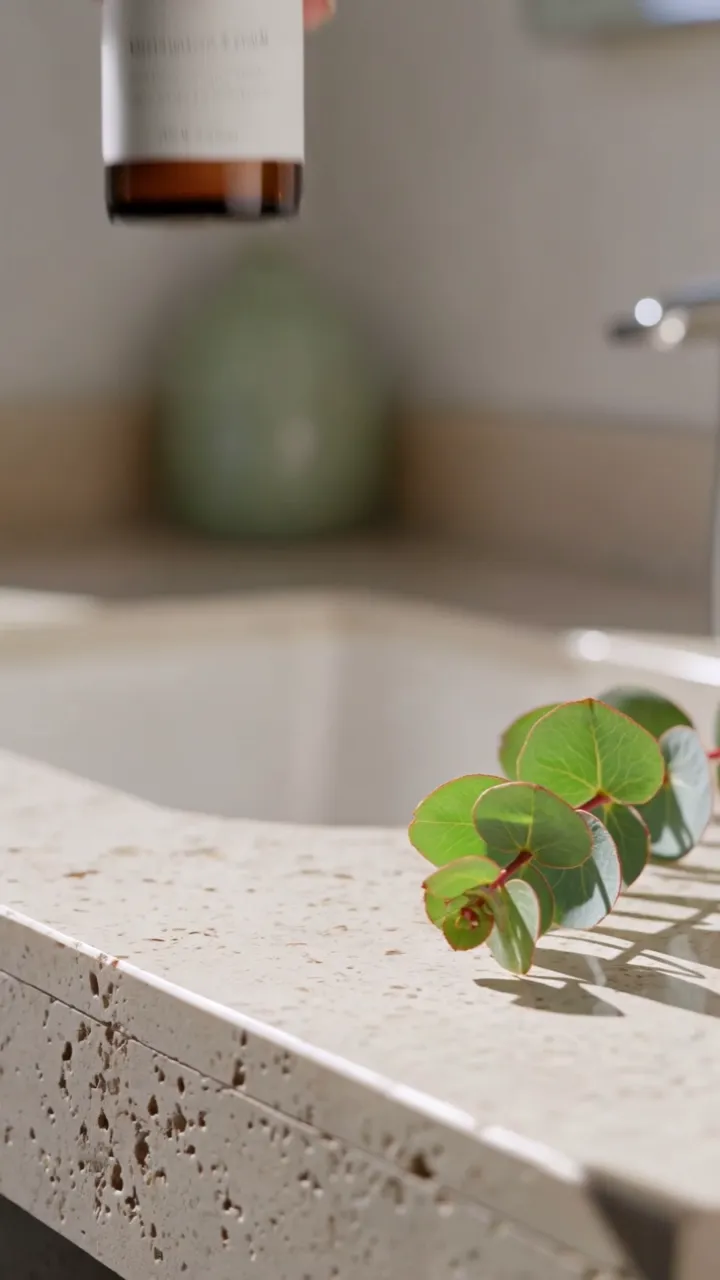

“Replace the white skincare bottle in the hand with @Element1, keep the hand, motion, light and eucalyptus identical”
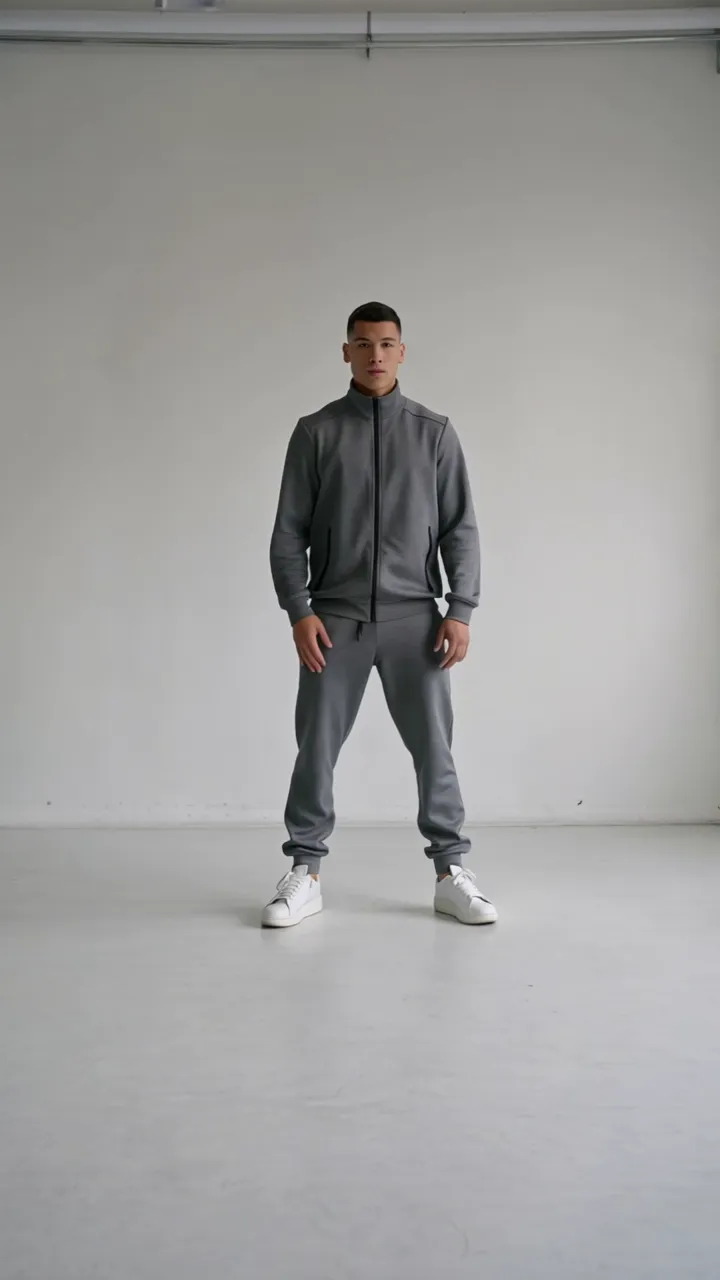
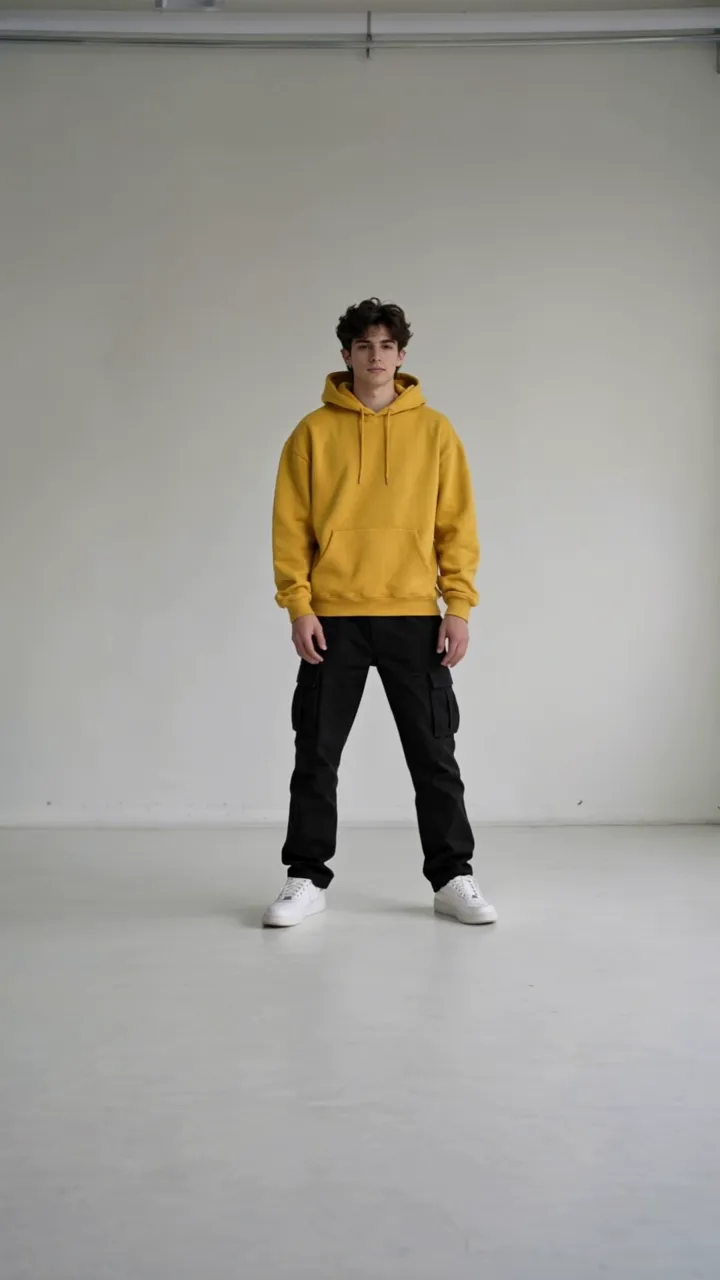
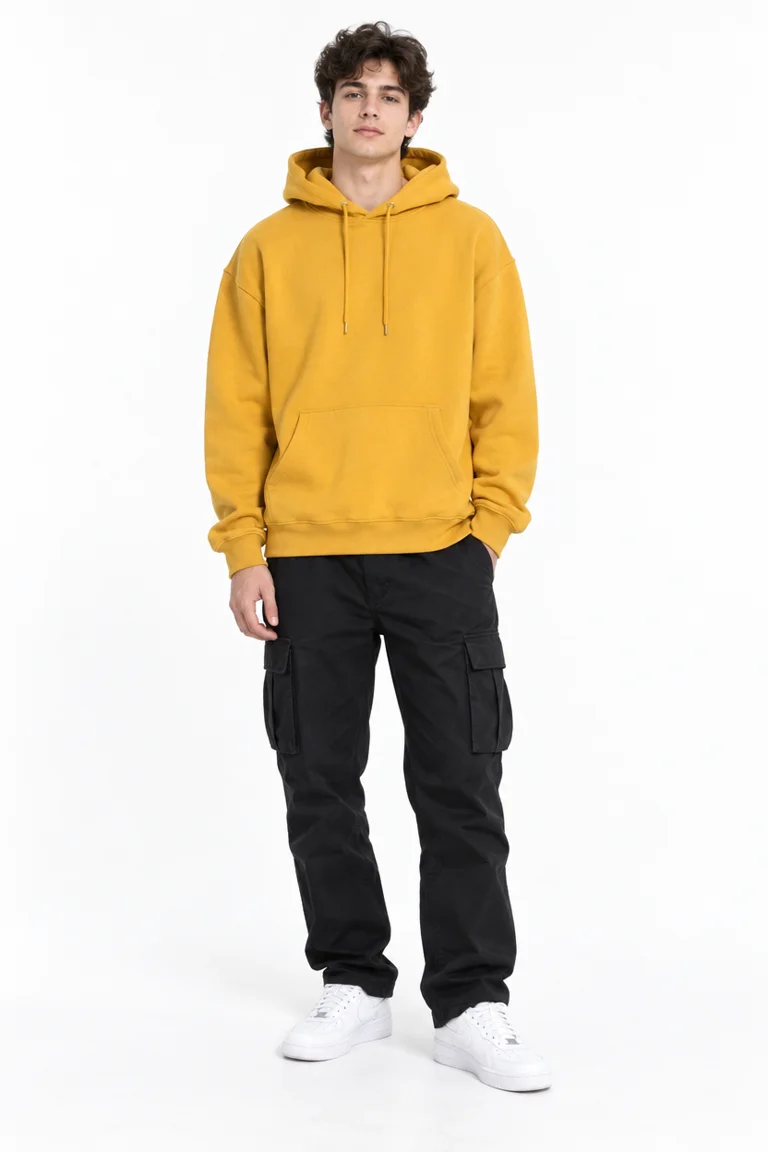
“Replace the dancer in the grey tracksuit with @Element1, keeping every move, timing, camera and the studio identical”
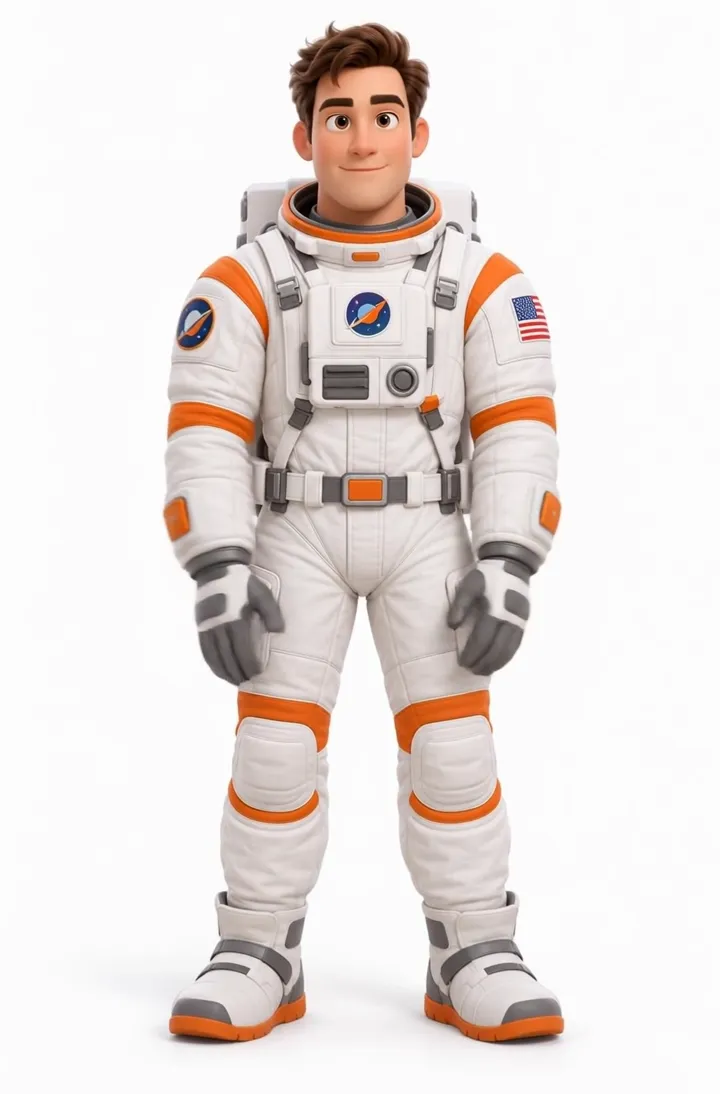
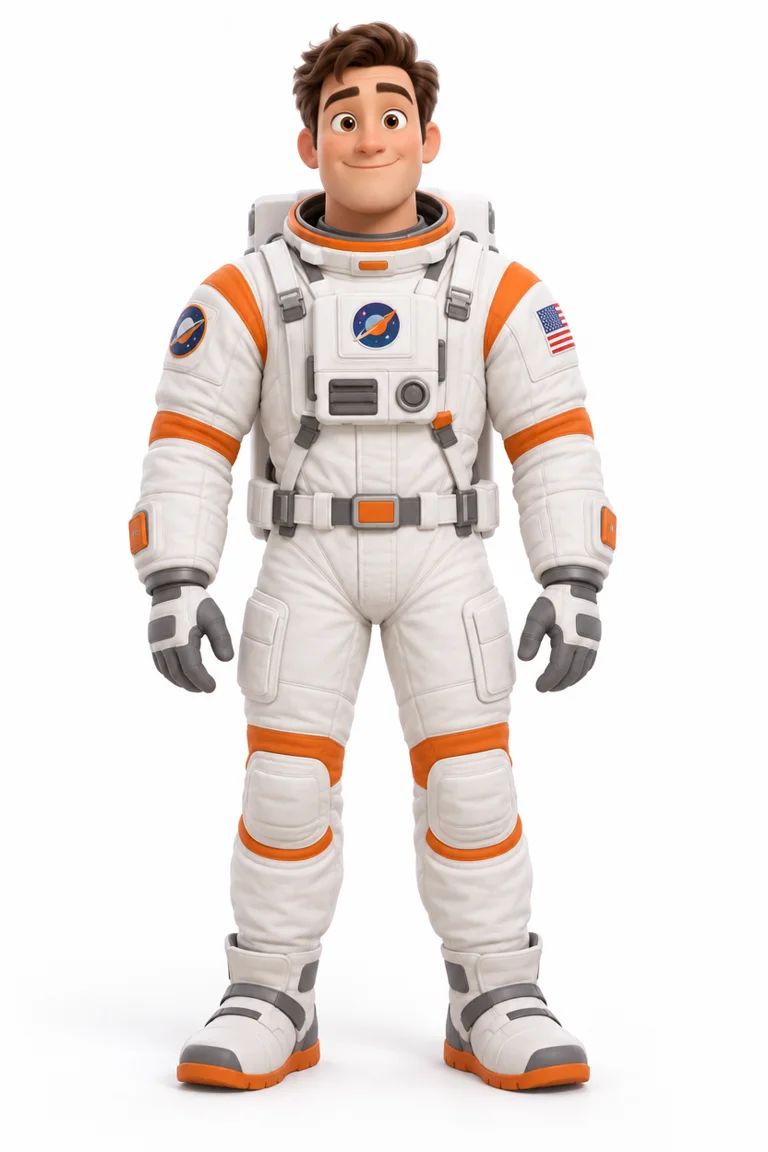
“The astronaut performs the same dance in a clean white studio”
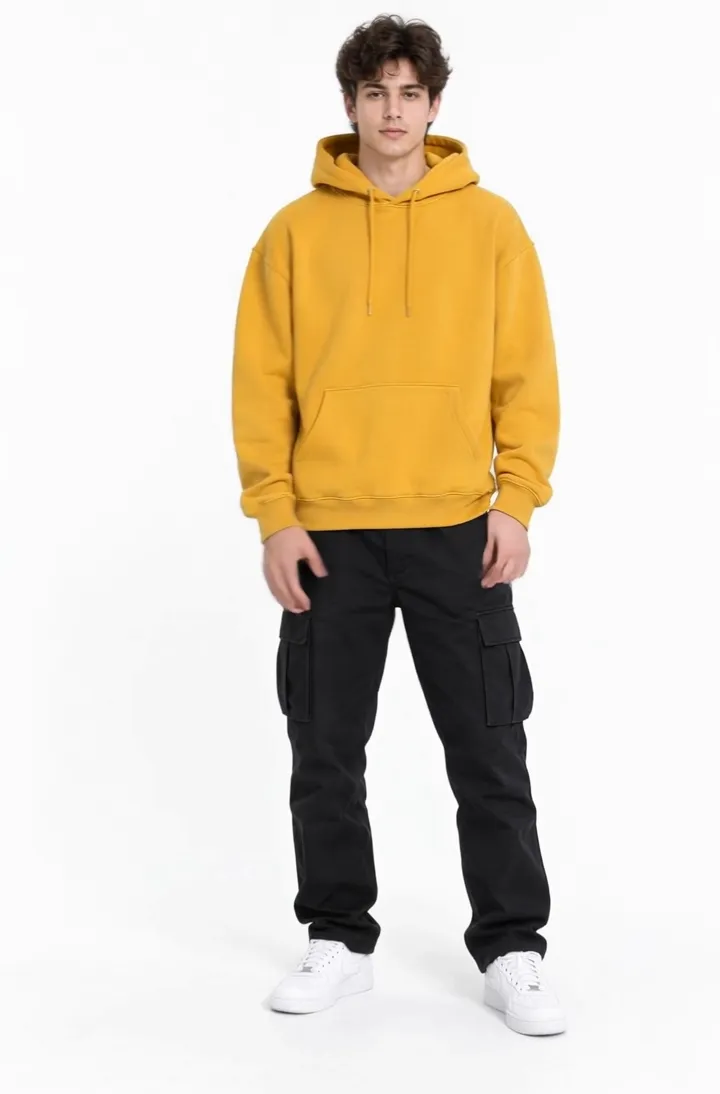
“The man in the mustard hoodie performs the same dance in a clean white studio”
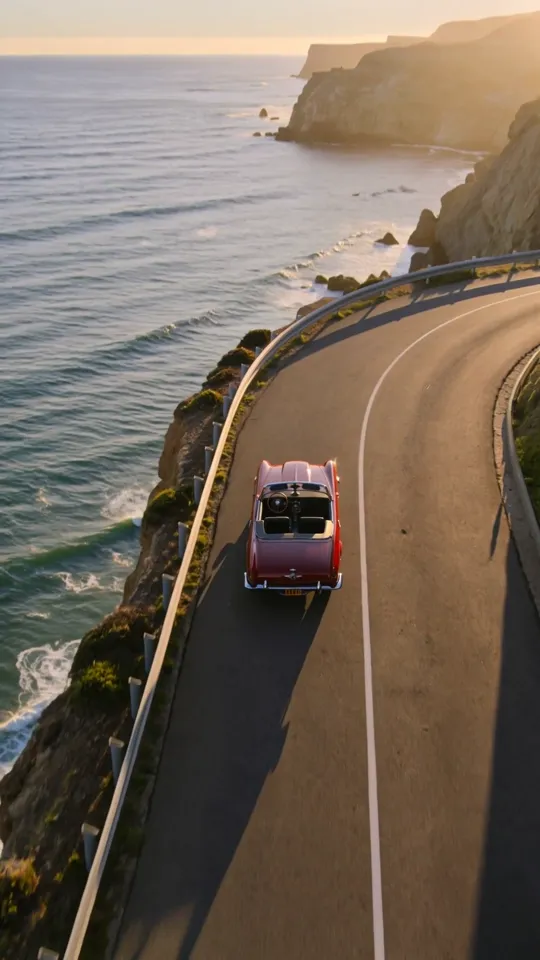
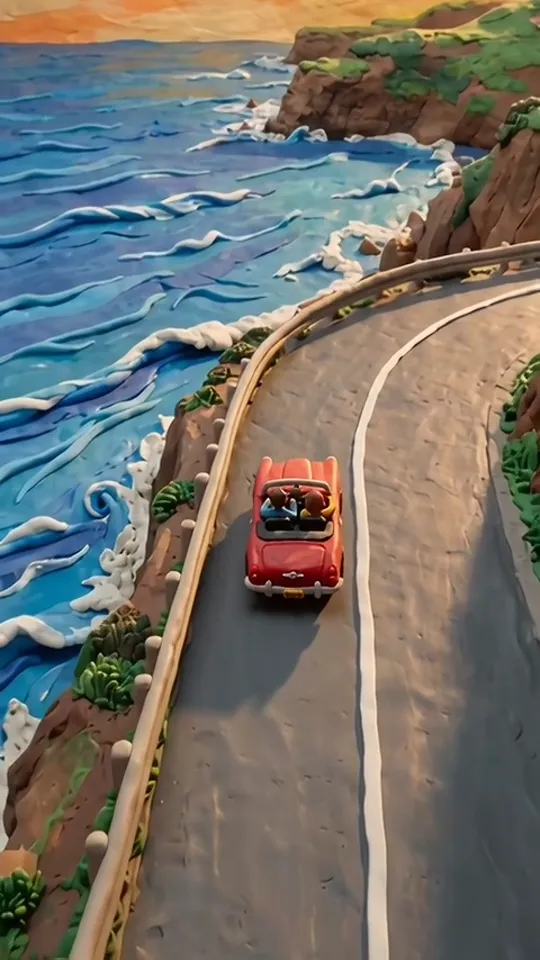
“Restyle the entire video into the claymation look of @Element1; keep the source video's exact camera move, subject path and timing”
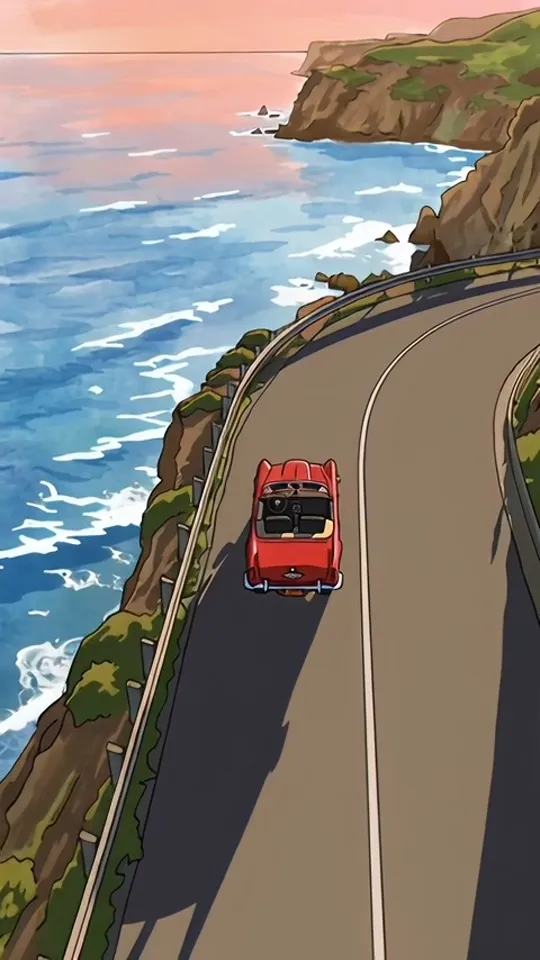
“Restyle the entire video into the hand-drawn anime look of @Element1; keep the source video's exact camera move, subject path and timing”
Yes. Doppelganger covers the same jobs — motion transfer and object/person replacement on your own footage — inside Draftless, alongside the rest of your video workflow.