Motion Design bundle
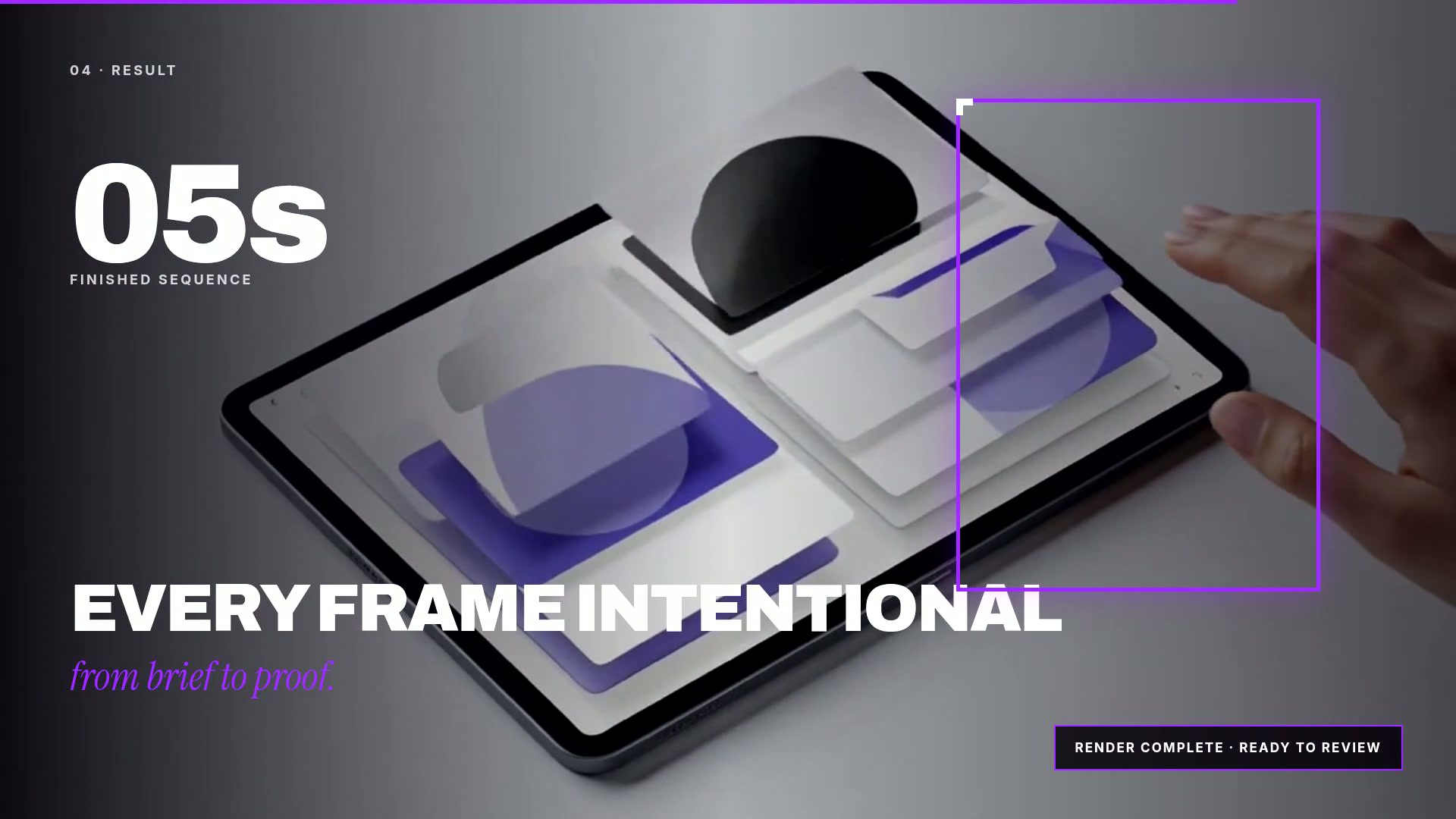
Animate interfaces, illustrations, slides and explainers into finished video from a brief and your own assets.
Step 1
Connect once
Add Draftless to your assistant and sign in.
Step 2
Ask by name
Say “run Motion Design bundle” or use /motion-design.
Step 3
Confirm the plan
Review every step and exact credit cost before it runs.
Included workflows
Choose what to run
SaaS Product Animation
/motion-saasPlans a short interface story from your product description, renders the key frame in your brand colours, then animates it into a finished video clip. Output is video, not editable layers.
- 1. Plan a short interface story and the on-screen wording
- 2. Render the key interface frame
- 3. Animate it into a finished clip
Needs: Product, Screens to show
View workflowIllustration Animation
/motion-illustrationRenders an illustrated frame in the style you describe, then animates it into a short looping clip with gentle character and background motion.
- 1. Render the illustrated frame
- 2. Animate it into a short loop
Needs: Subject, Illustration style
View workflowPresentation Animation
/motion-presentationWrites the slide down to its essentials, renders it as a designed frame and animates the build so a flat slide becomes a short video moment.
- 1. Tighten the slide down to its essentials
- 2. Render the slide frame
- 3. Animate the build
Needs: Slide content
View workflowPaper Collage Motion
/motion-paper-collageRenders your subject as layered cut-paper artwork, then animates it with the stepped, tactile motion the style is known for.
- 1. Render the cut-paper frame
- 2. Animate it with stepped, tactile motion
Needs: Subject
View workflowWhiteboard Explainer
/motion-whiteboardTurns your explanation into a simple sketched board, then animates it so the drawing appears the way someone would draw it out for you.
- 1. Plan the board
- 2. Render the sketched board
- 3. Animate the drawing
Needs: Topic
View workflowLocalization Pass
/motion-localizeTranslates the on-screen wording, then re-renders and re-animates the frame in the target language so the motion matches the new line lengths.
- 1. Translate the on-screen wording and check it still fits
- 2. Re-render the frame in the target language
- 3. Re-animate the build
Needs: Scene, On-screen wording, Target language
View workflowMotion Design (open brief)
/motion-briefThe open-ended one: give a brief, get a motion direction, a designed key frame and a finished clip. Use it when none of the named workflows fits.
- 1. Write the motion direction
- 2. Render the key frame
- 3. Animate it
Needs: Brief
View workflow
Every playbook quotes its credit cost before it runs, and only runs once you confirm.