Image modelby OpenAINew
GPT Image 2.5 Sunburst
Pick the quality tier, see the price
GPT Image 2.5 Sunburst renders text-to-image in five quality tiers, each with its own credit price, and can output a transparent background.
- quality tiers, each priced
- 5quality tiers, each priced
- transparent background
- PNGtransparent background
- images per run
- 4images per run
- aspect ratios
- 10aspect ratios
Made with GPT Image 2.5 Sunburst
Outputs we generated ourselves. The line under each one says how we know which model made it.
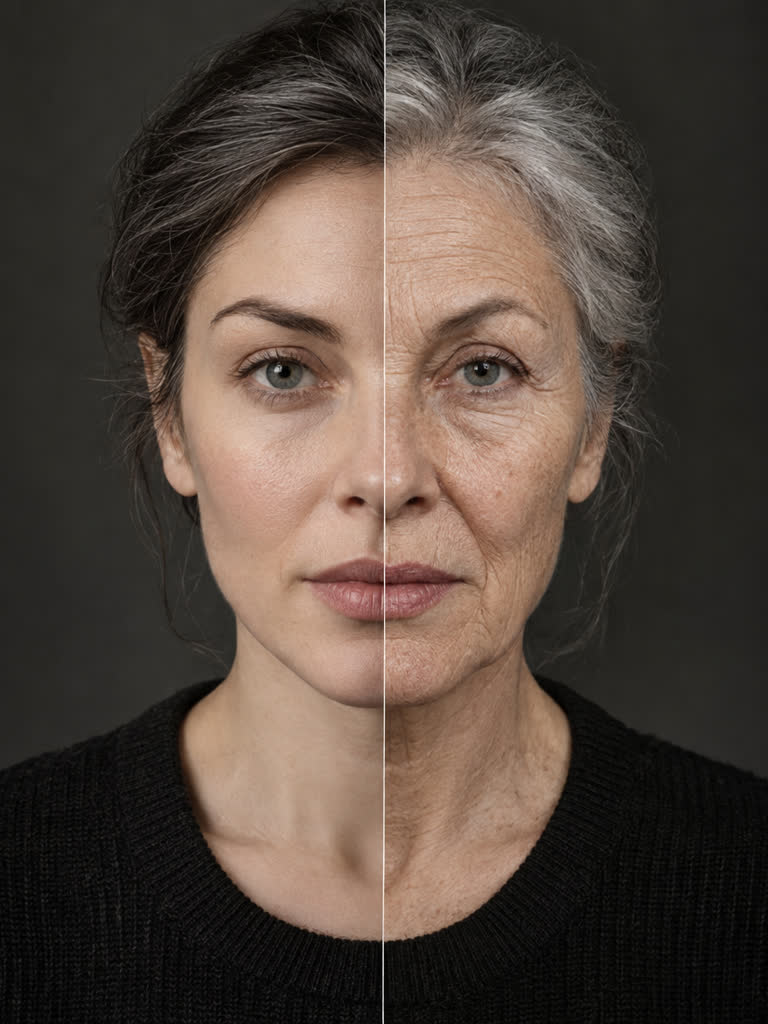
Age +30 Years
Effect poster art made with this model
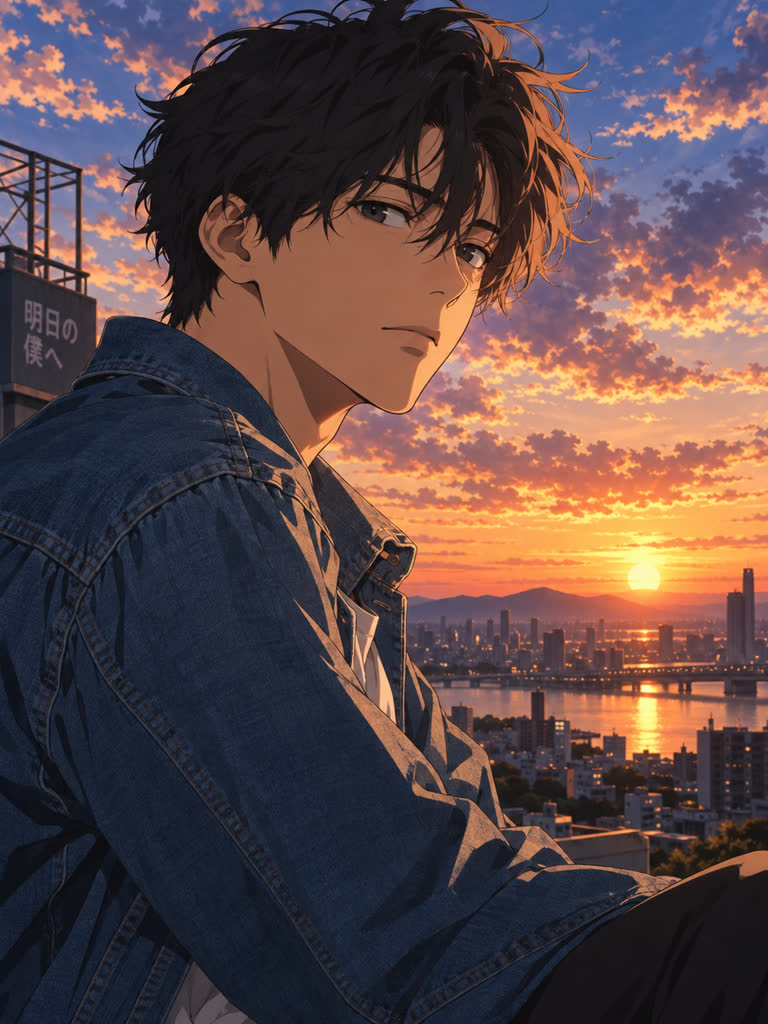
Anime-fy
Effect poster art made with this model
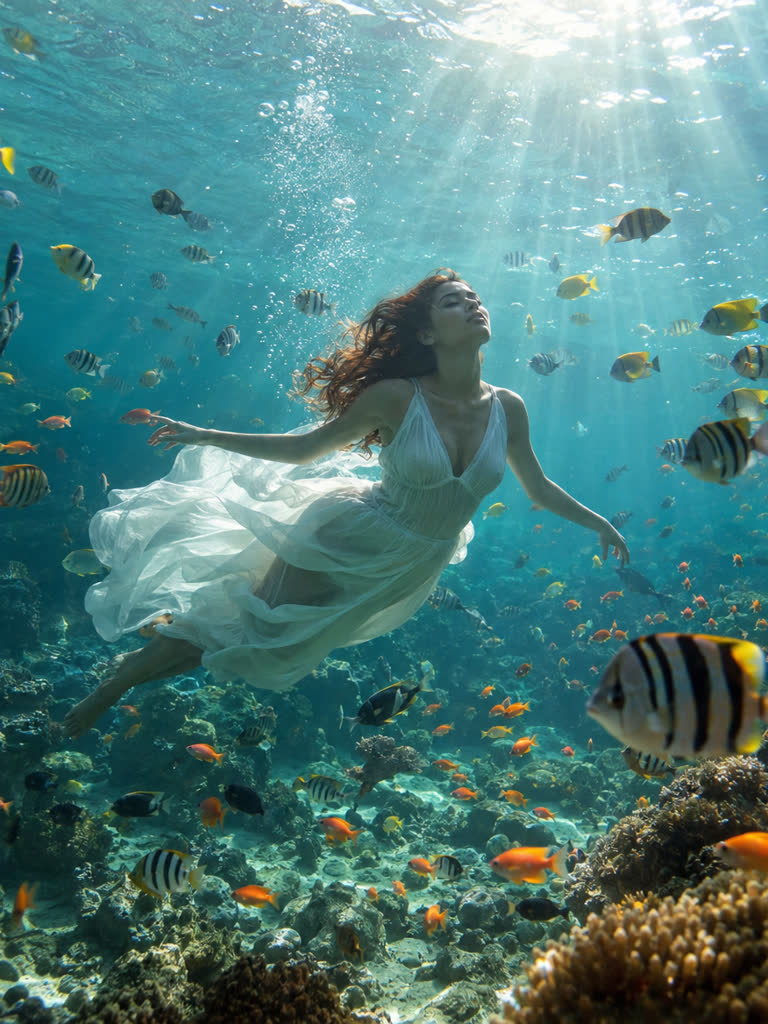
Aquarium
Effect poster art made with this model
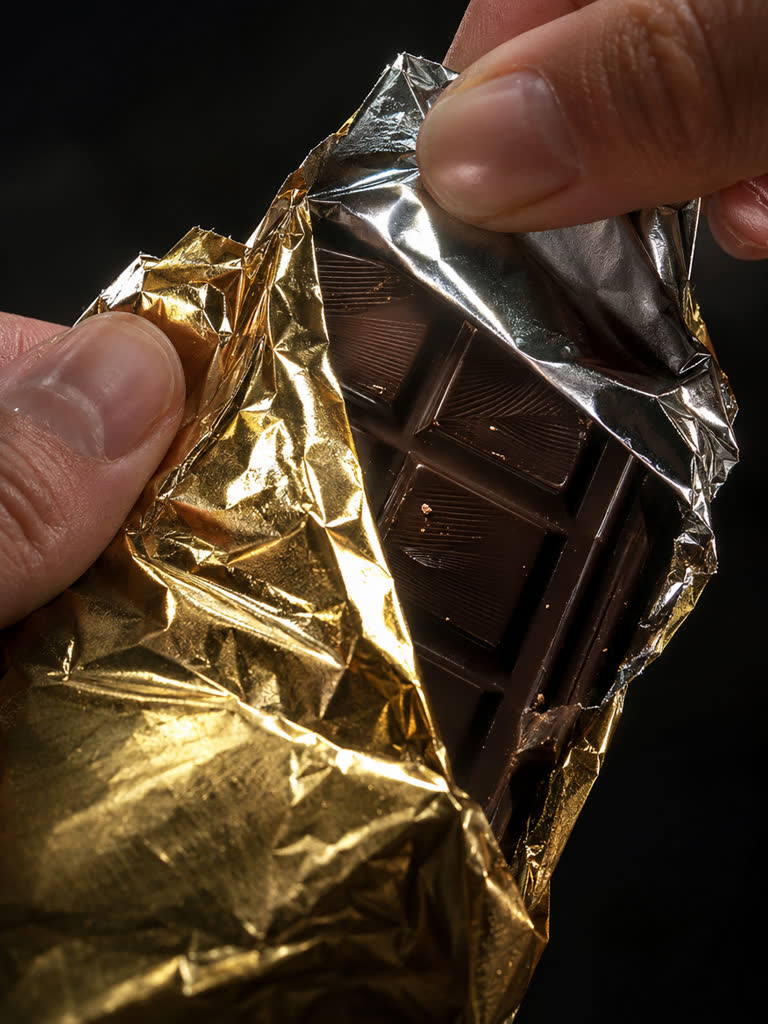
Crinkle Unwrap
Effect poster art made with this model
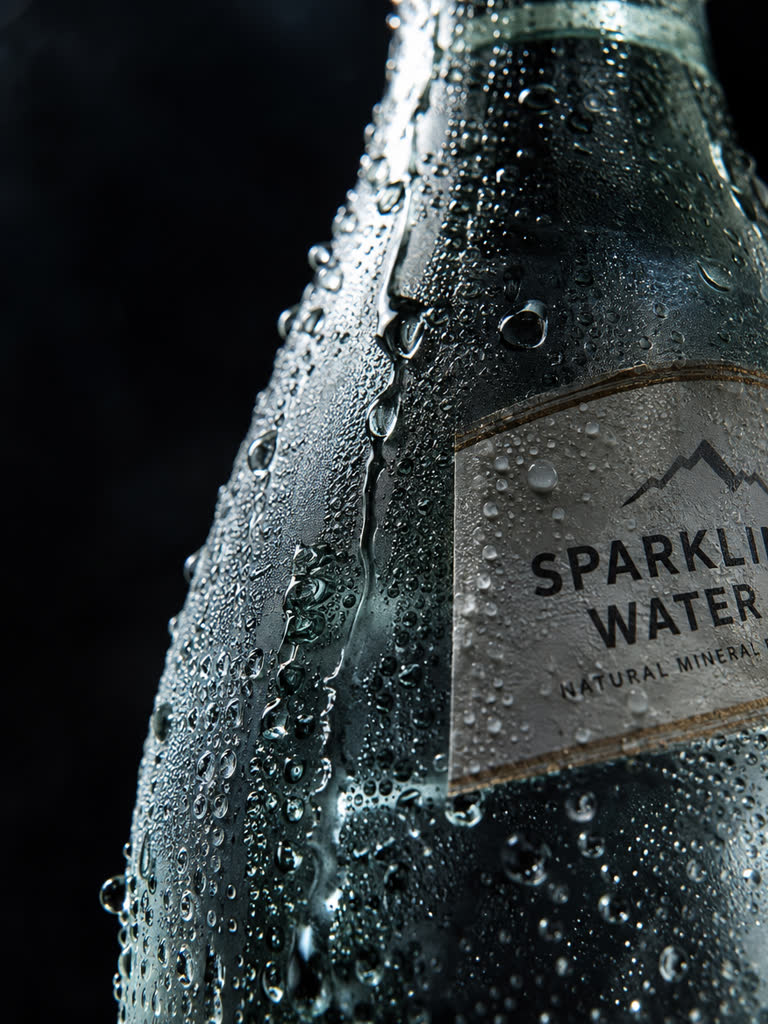
Ice And Condensation
Effect poster art made with this model
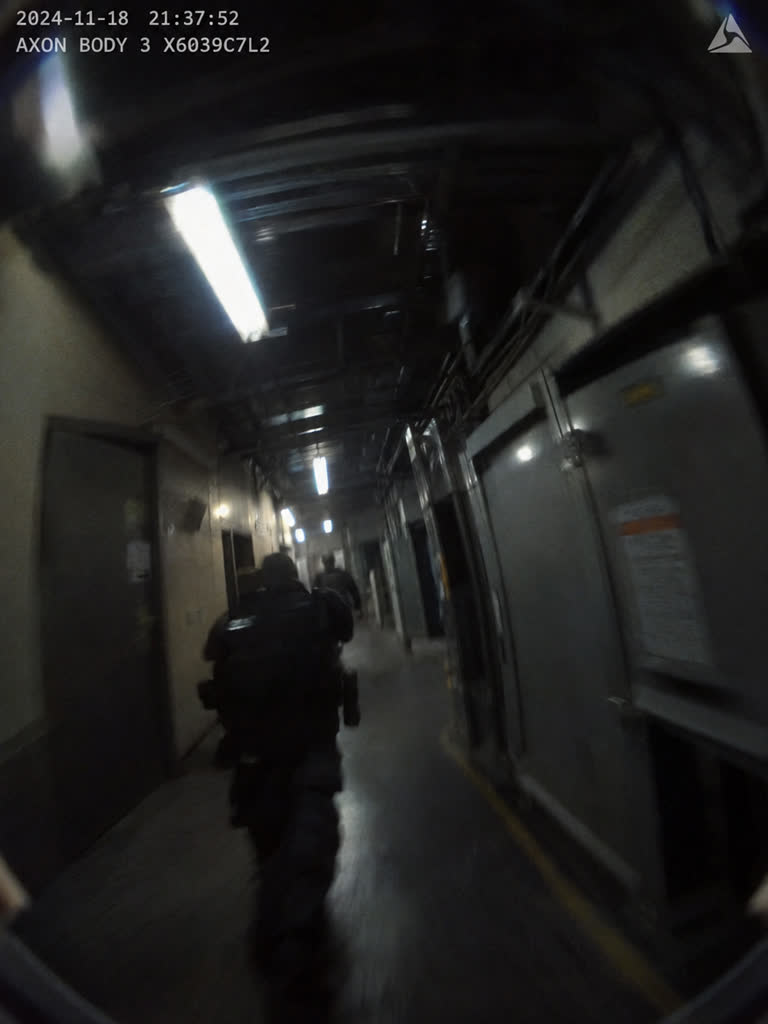
Body-Cam Run
Effect poster art made with this model
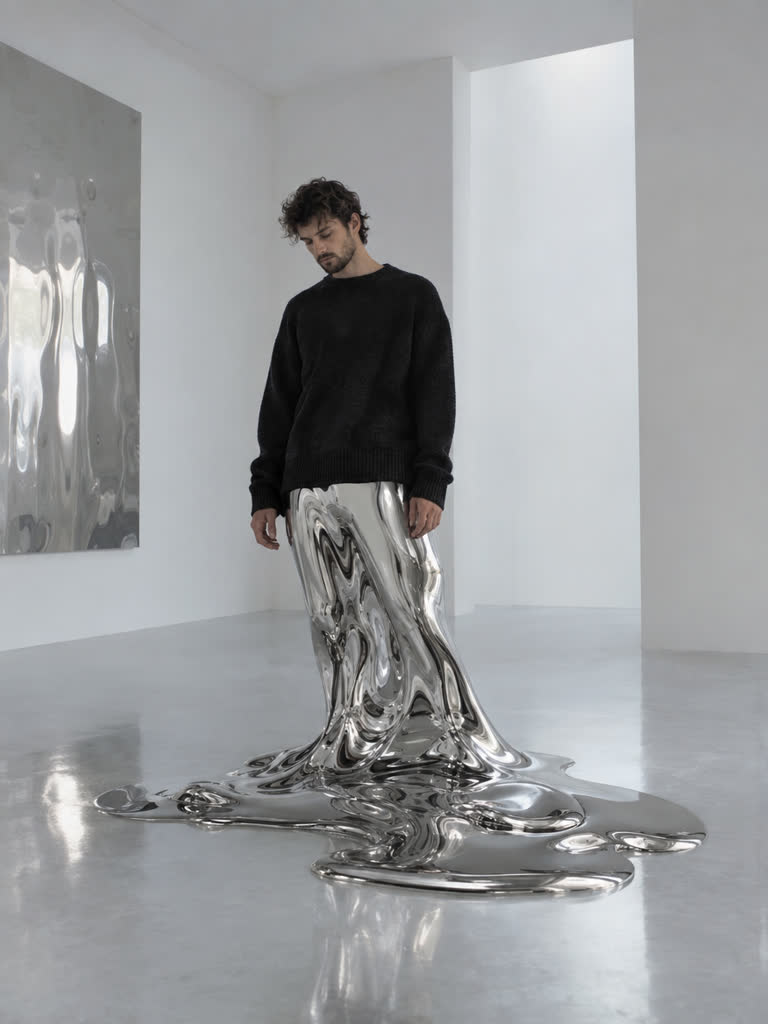
Melt
Effect poster art made with this model
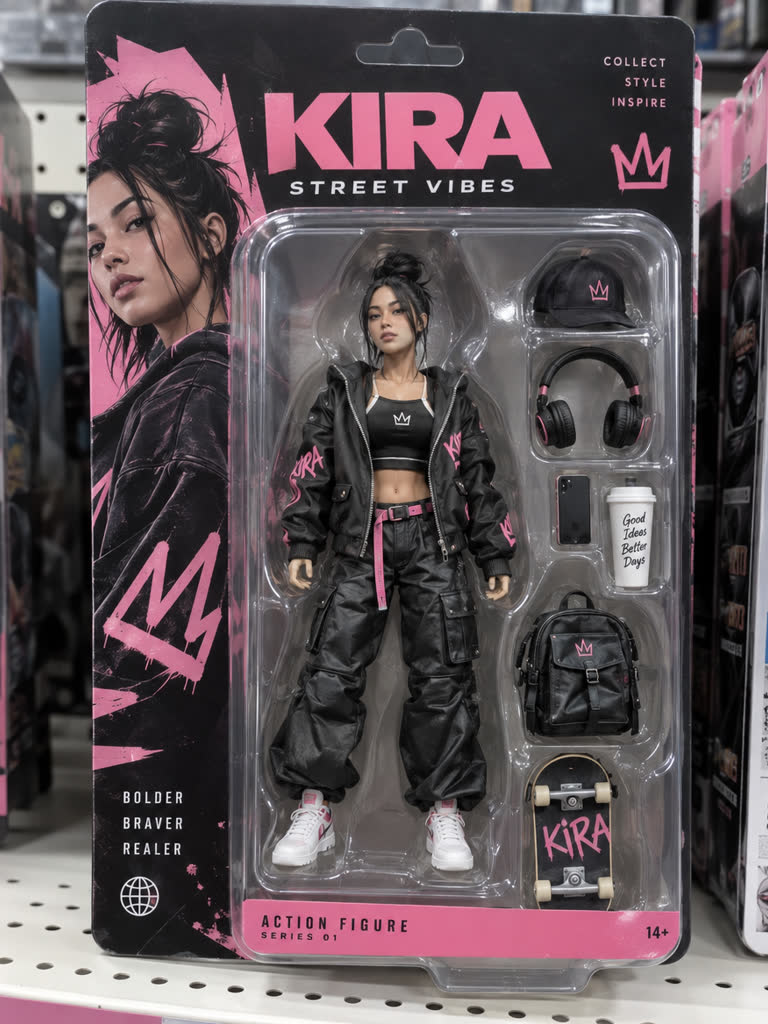
Boxed Collectible
Effect poster art made with this model
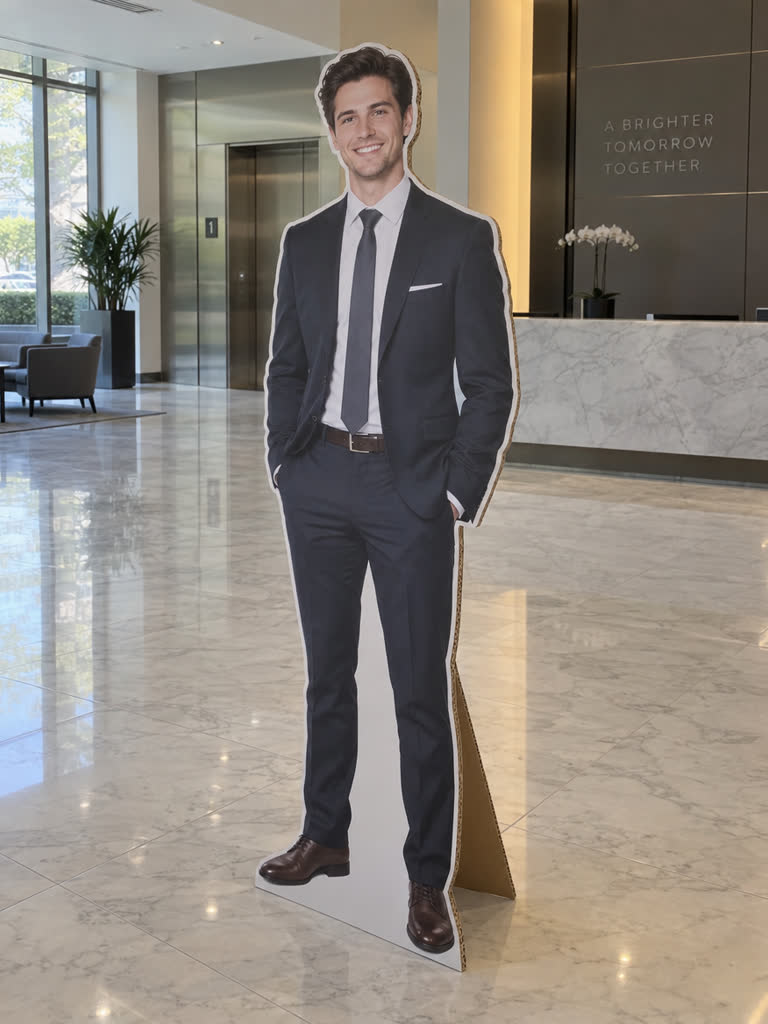
Cardboard Standee
Effect poster art made with this model
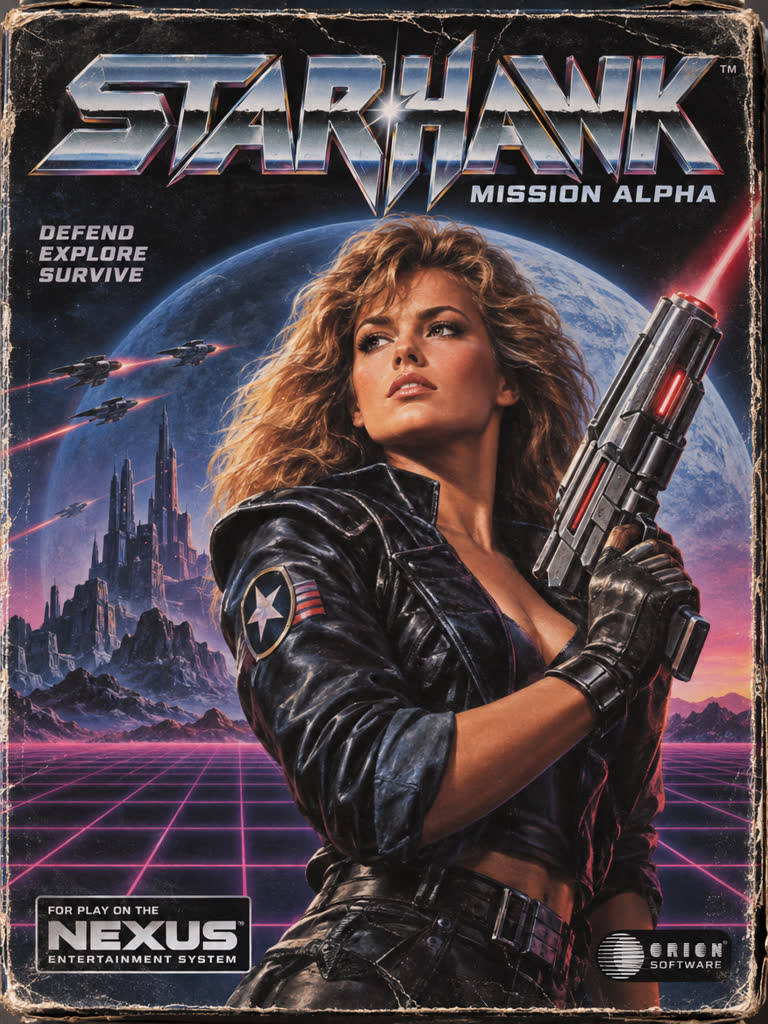
Cartridge Cover Art
Effect poster art made with this model
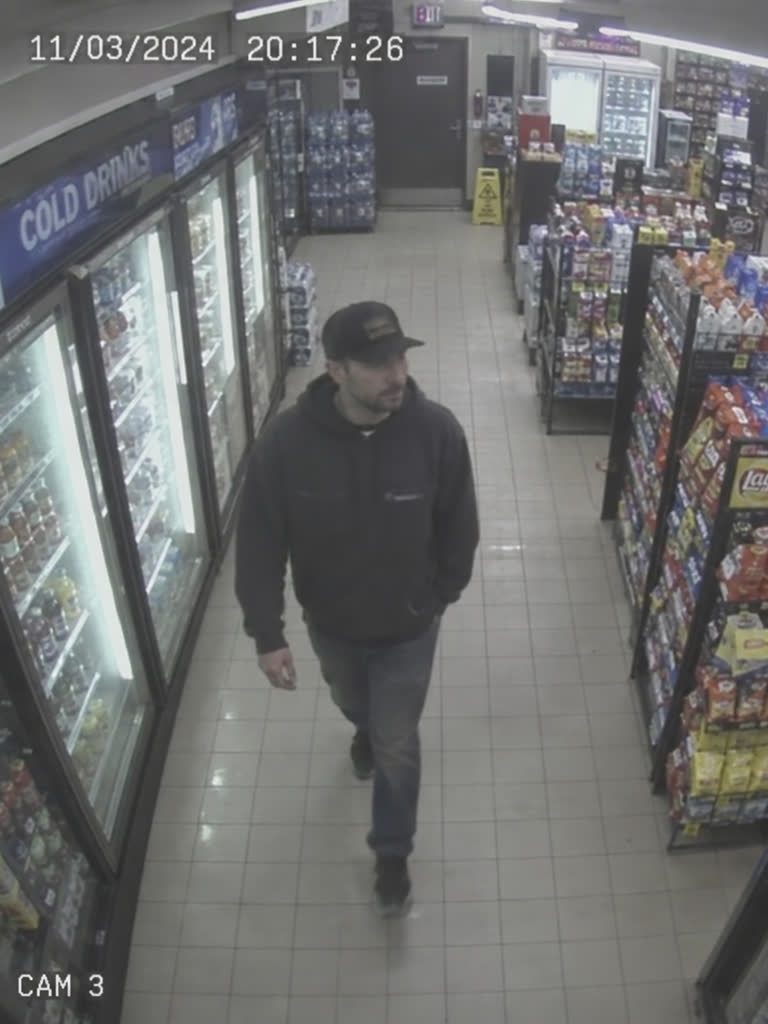
CCTV Timestamp
Effect poster art made with this model
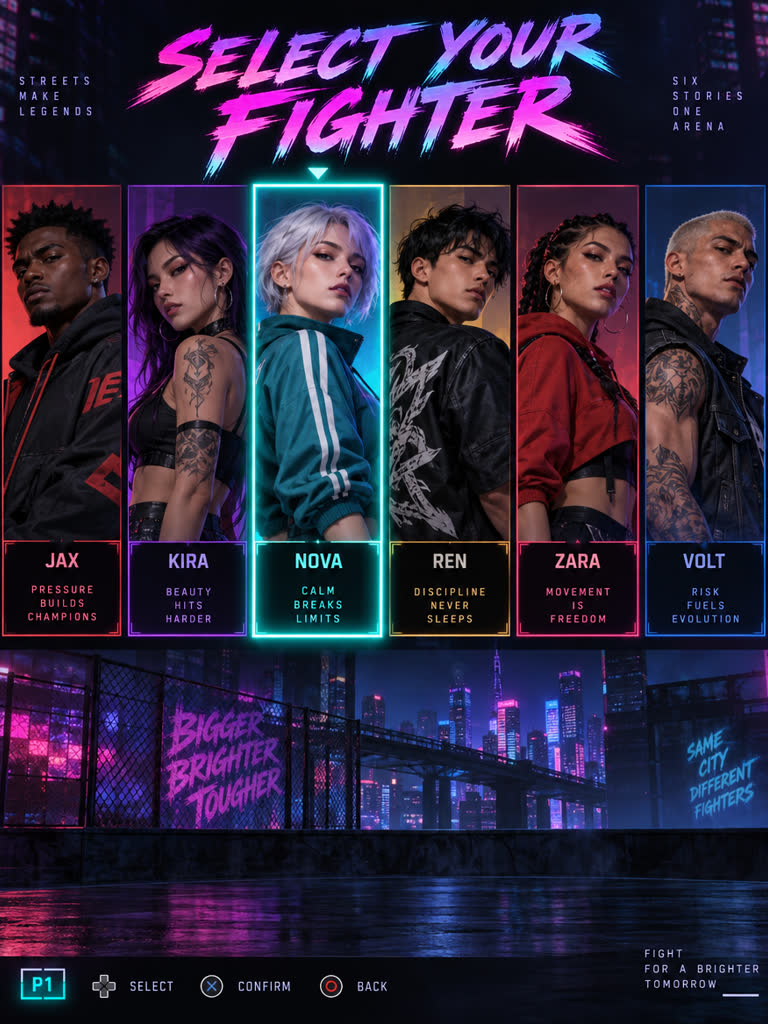
Character Select
Effect poster art made with this model
What a run costs
Per image, from the same calculator Studio charges with.
- Low2 cr
- Medium4 cr
- High14 cr
- Xhigh24 cr
- Max53 cr
How to use it
- 1
Describe it
Write the image you want, or add a reference to edit from.
- 2
Set the output
Studio opens with GPT Image 2.5 Sunburst selected. Pick ratio and count; the price updates on the button.
- 3
Confirm and generate
Credits are only spent when you press Generate. Results land in your Asset Library.
Questions
How much does GPT Image 2.5 Sunburst cost on Draftless?
From 2 credits per image. The exact price is on the Generate button before anything is charged.
Can I edit an image I already have?
No, this model generates from text only. For edits, pick a model with edit support such as Nano Banana Pro.
How many images per run?
You choose the count in Studio; the price on the button covers all of them.
Are my prompts and media used for training?
The provider uses only anonymised usage data, not your prompts or media.
Where do my results go?
Every generation is saved to your Asset Library, where you can download it, animate it or keep editing.