Nano Banana Pro (Gemini 3 Pro Image) creates and edits images from a reference while keeping the subject recognisable, up to 4K output size.
- largest output size
- 4Klargest output size
- reference images
- 8reference images
- edit an existing image
- Editedit an existing image
- images per run
- 4images per run
- aspect ratios
- 10aspect ratios
Made with Nano Banana Pro
Outputs we generated ourselves. The line under each one says how we know which model made it.
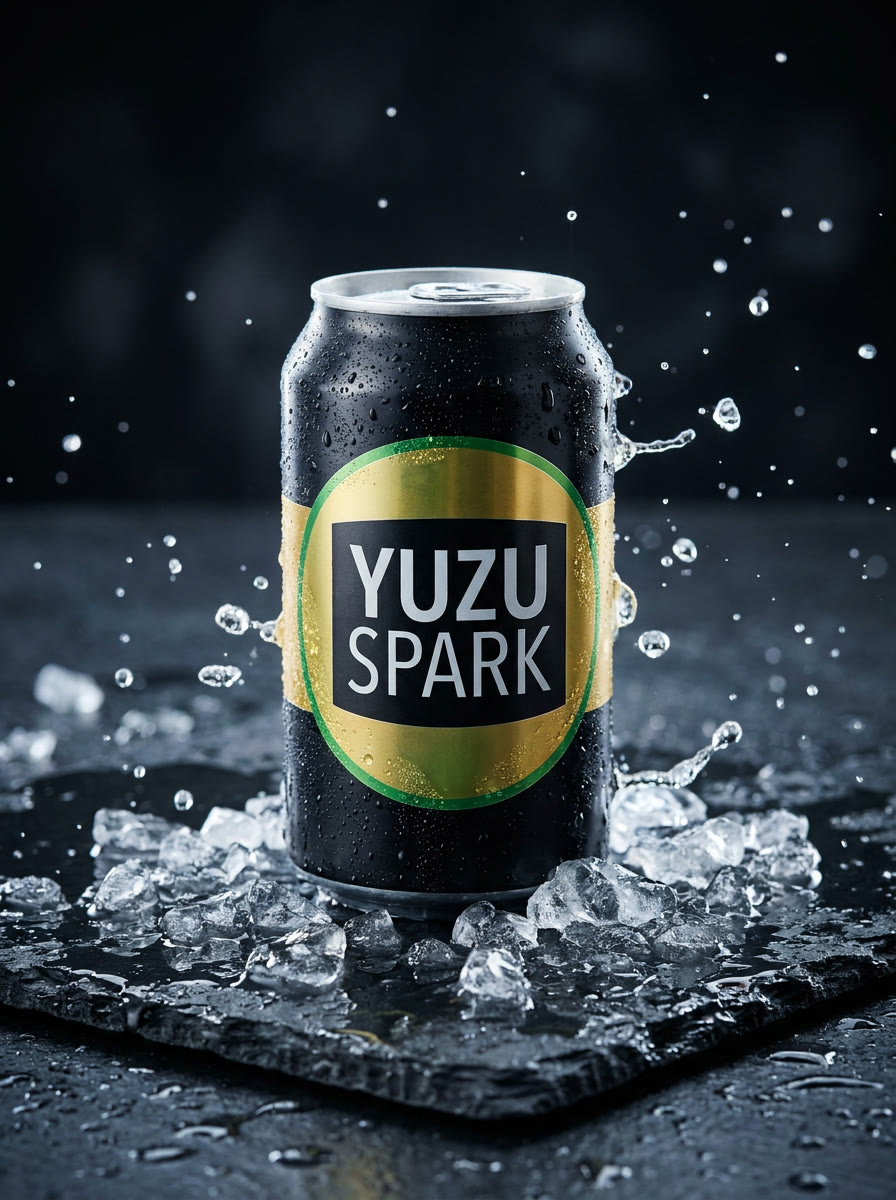
Product shot with legible label
Generated on this model by Draftless, unedited
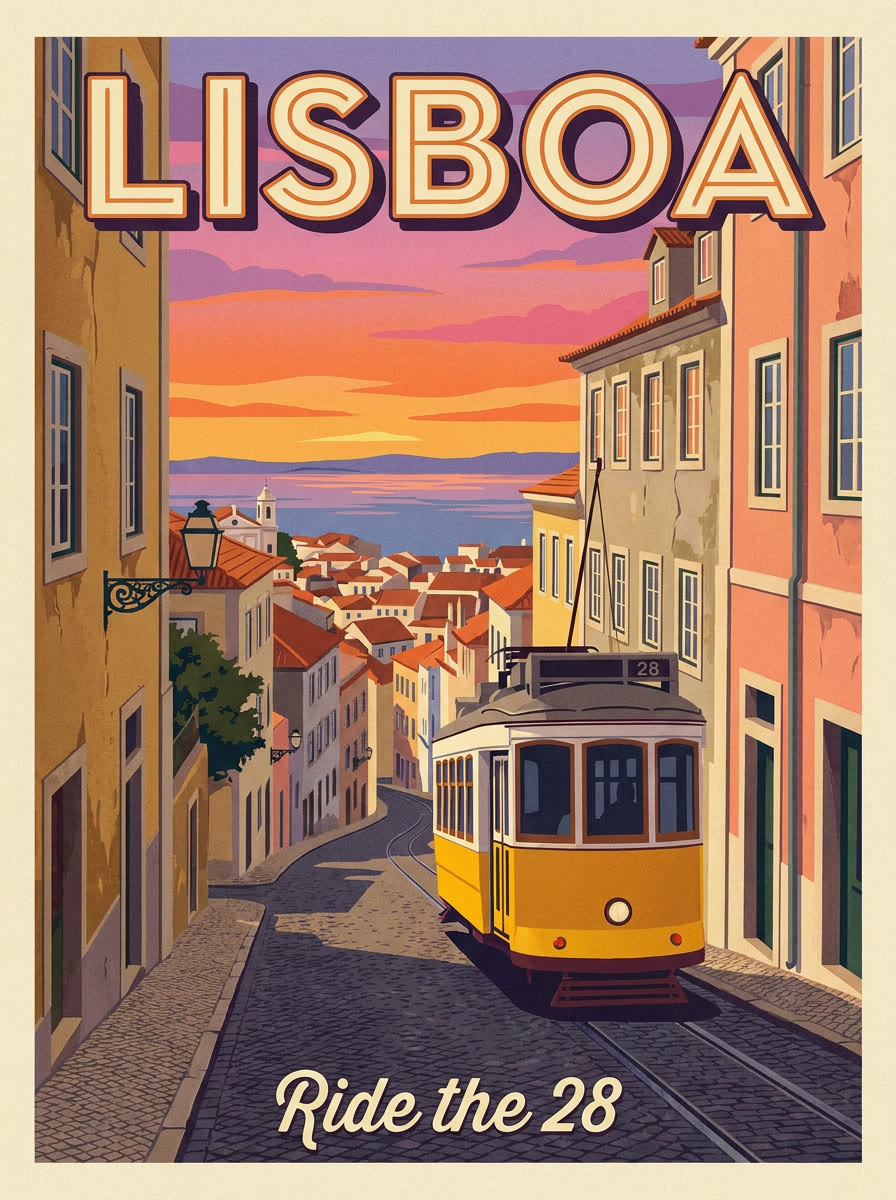
Lisbon travel poster with type
Generated on this model by Draftless, unedited
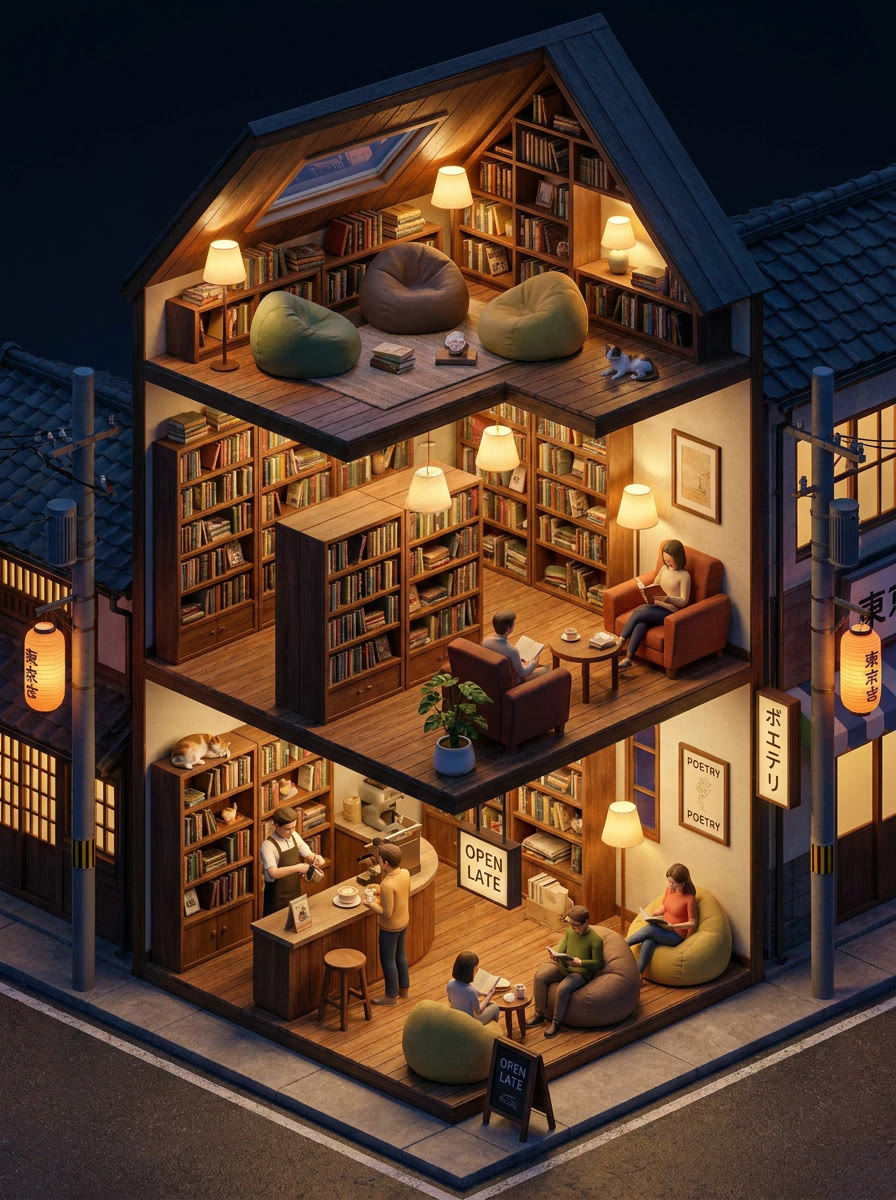
Isometric bookshop café cutaway
Generated on this model by Draftless, unedited
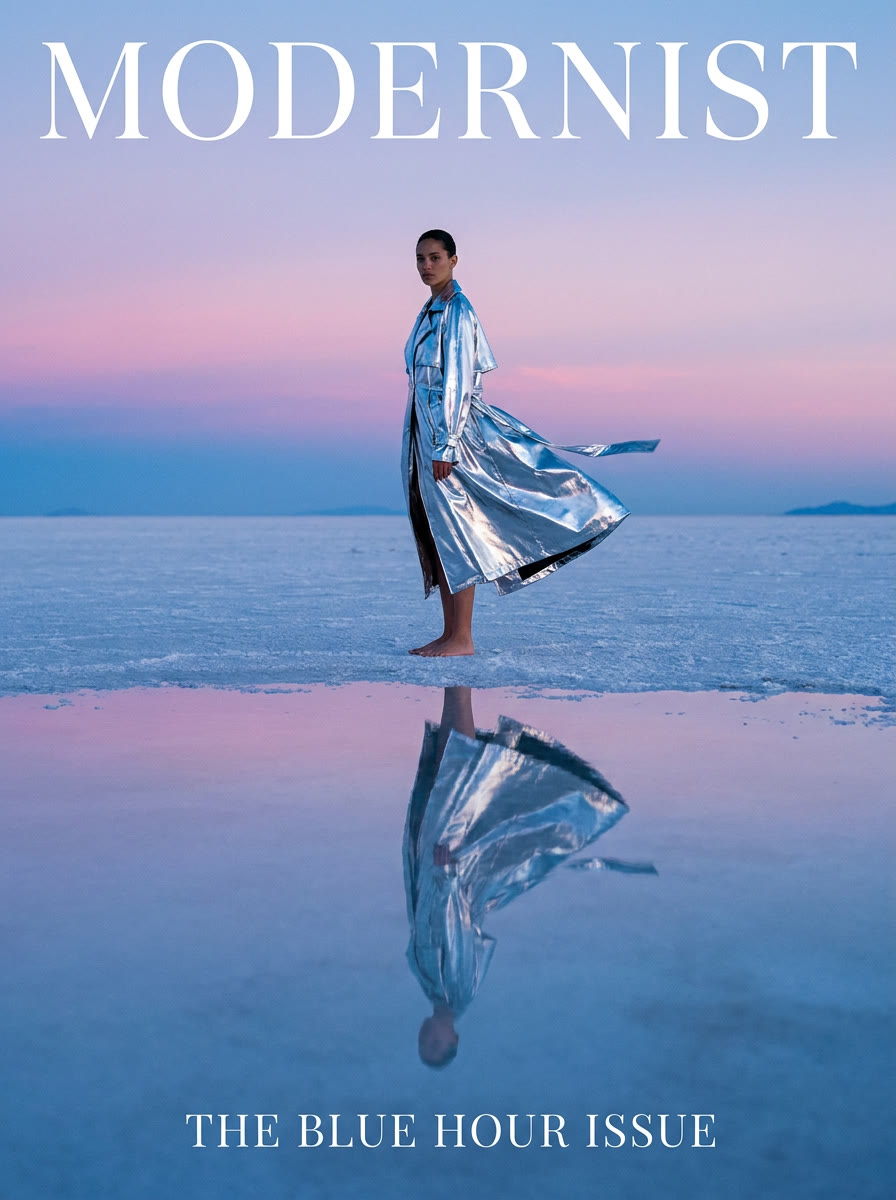
Salt-flat fashion editorial
Generated on this model by Draftless, unedited
What a run costs
Per image, from the same calculator Studio charges with.
Effects that run on Nano Banana Pro
Each effect is a ready prompt and settings for this model. Open one to see its preview and price.
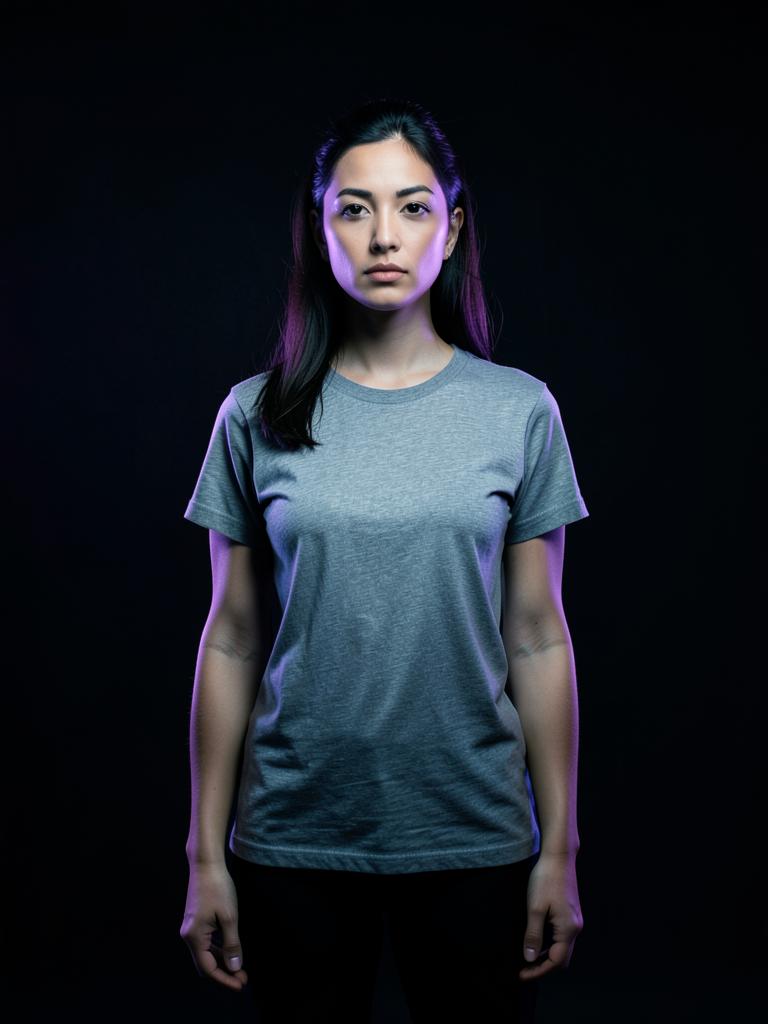 Preset artwork
Outfit Switch
45 cr per run
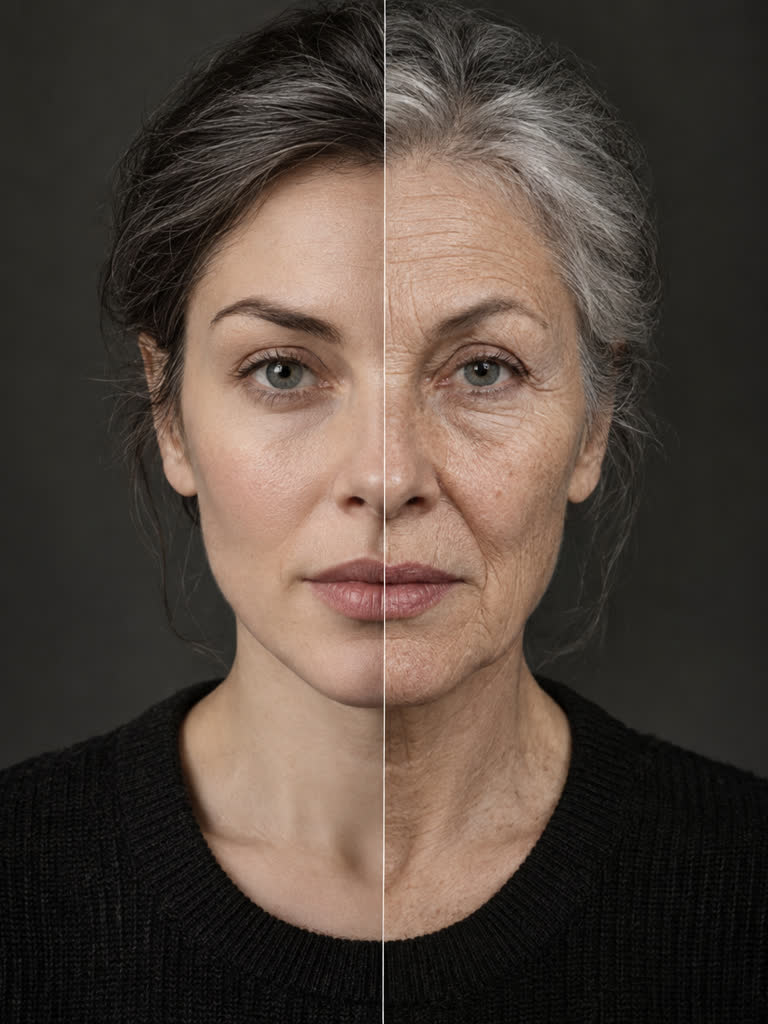 Preset artwork
Age +30 Years
45 cr per run
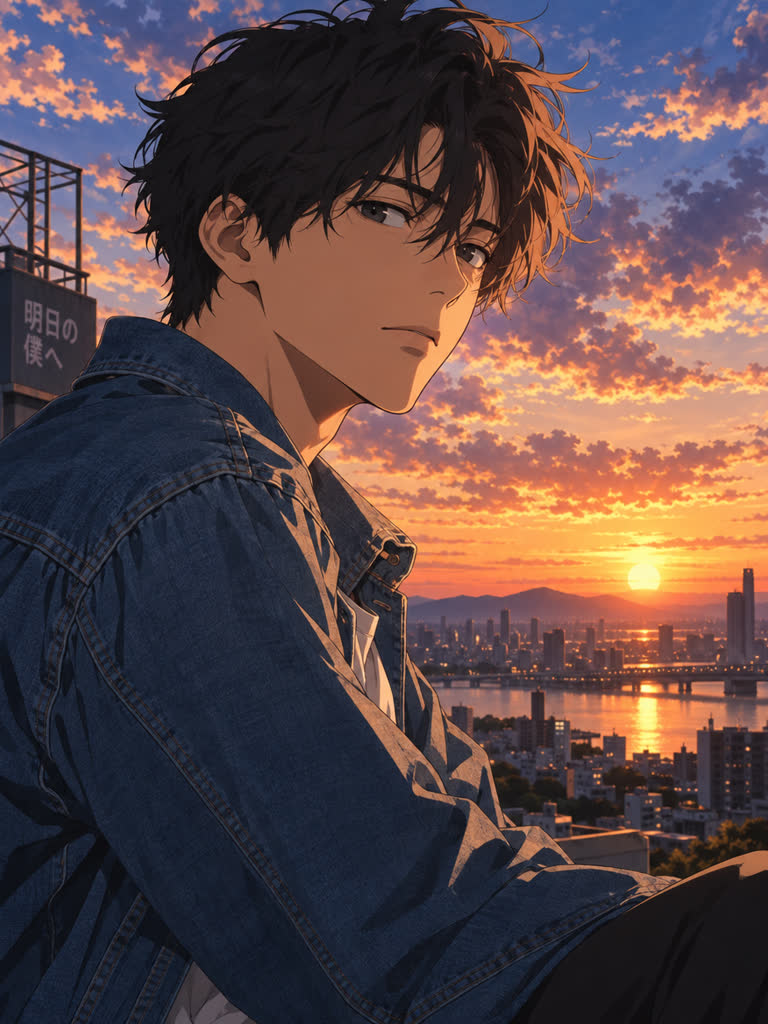 Preset artwork
Anime-fy
45 cr per run
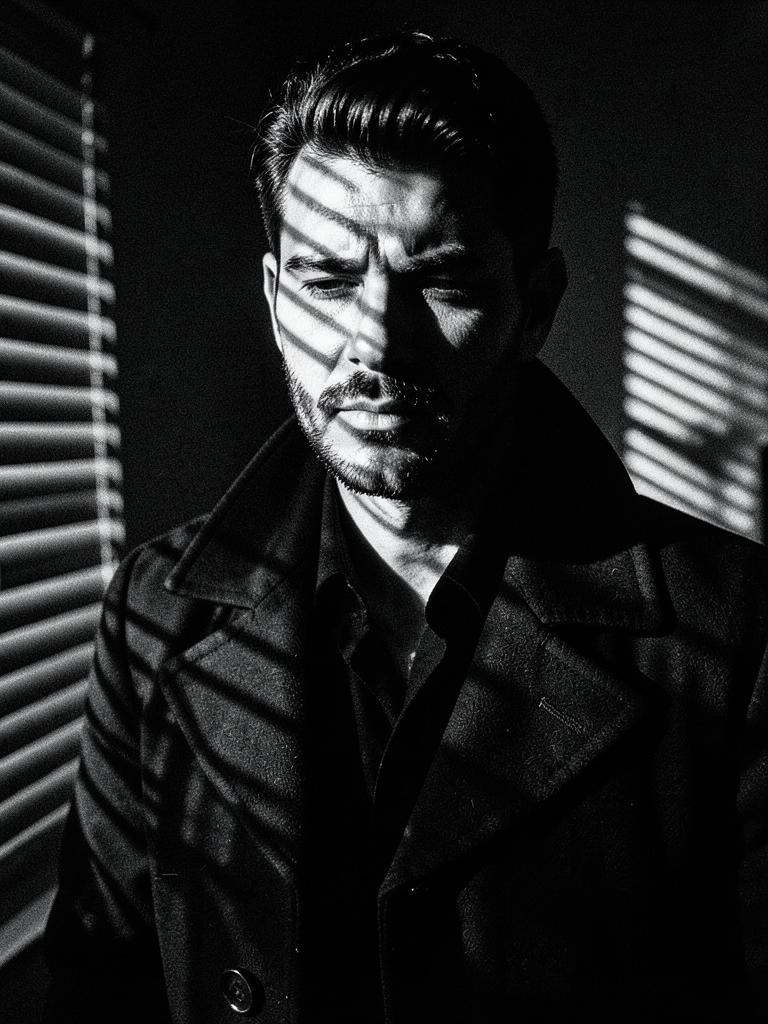 Preset artwork
Film Noir
45 cr per run
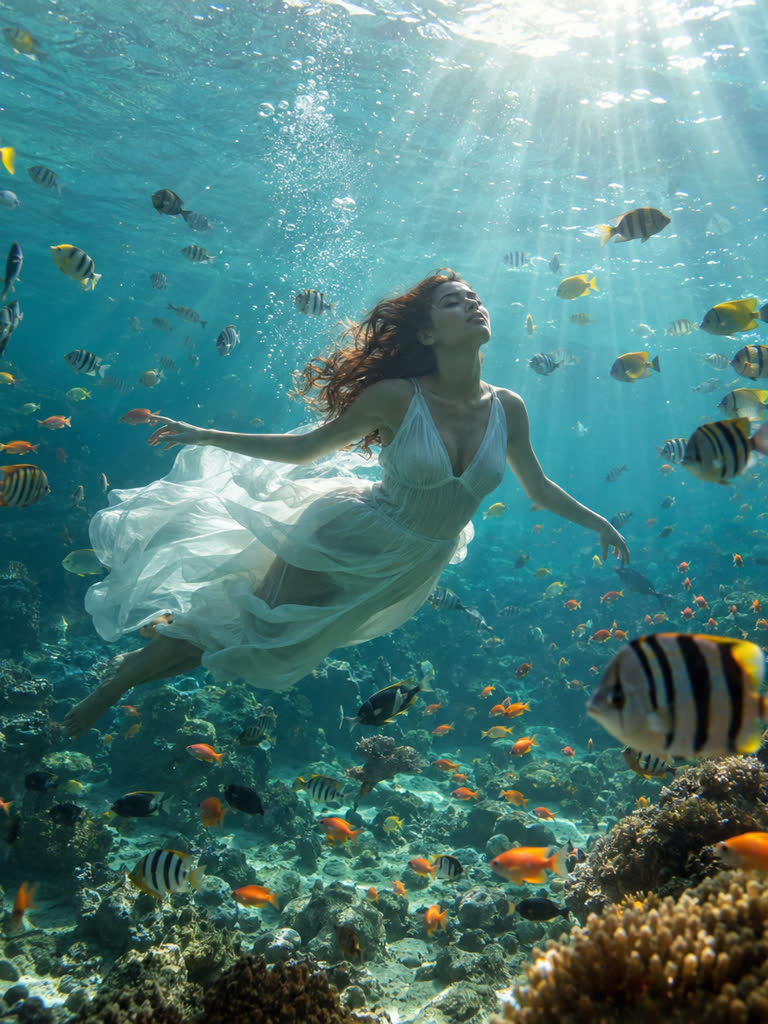 Preset artwork
Aquarium
45 cr per run
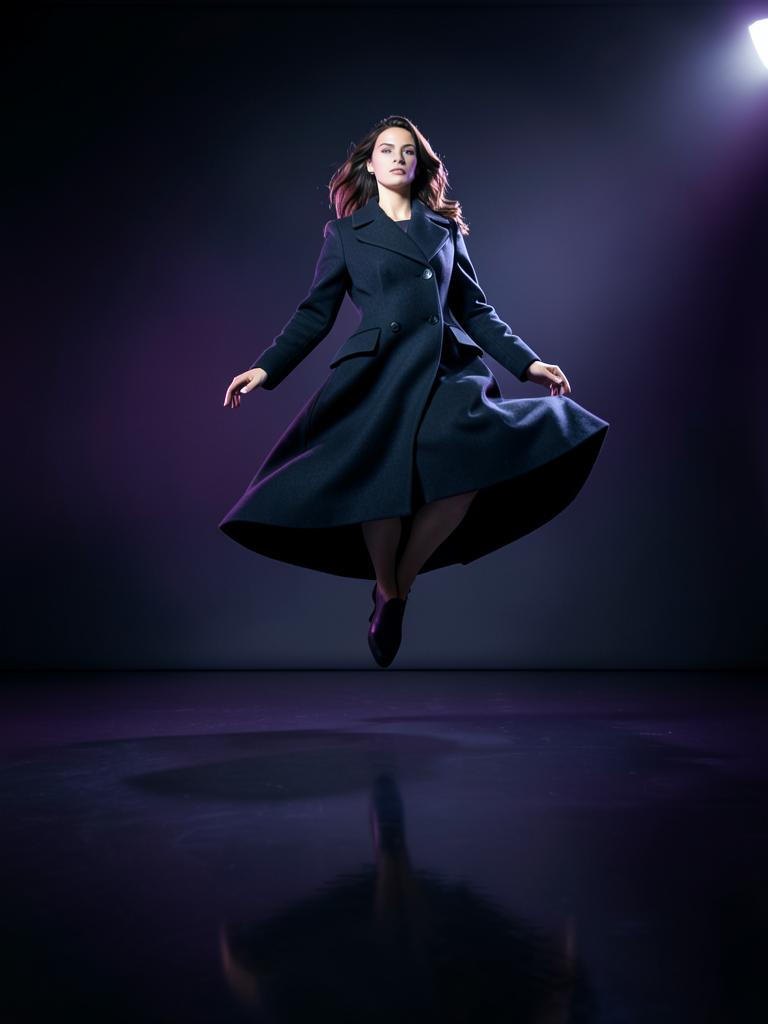 Preset artwork
Levitate
45 cr per run
 Preset artwork
Peel-Away Sticker
45 cr per run
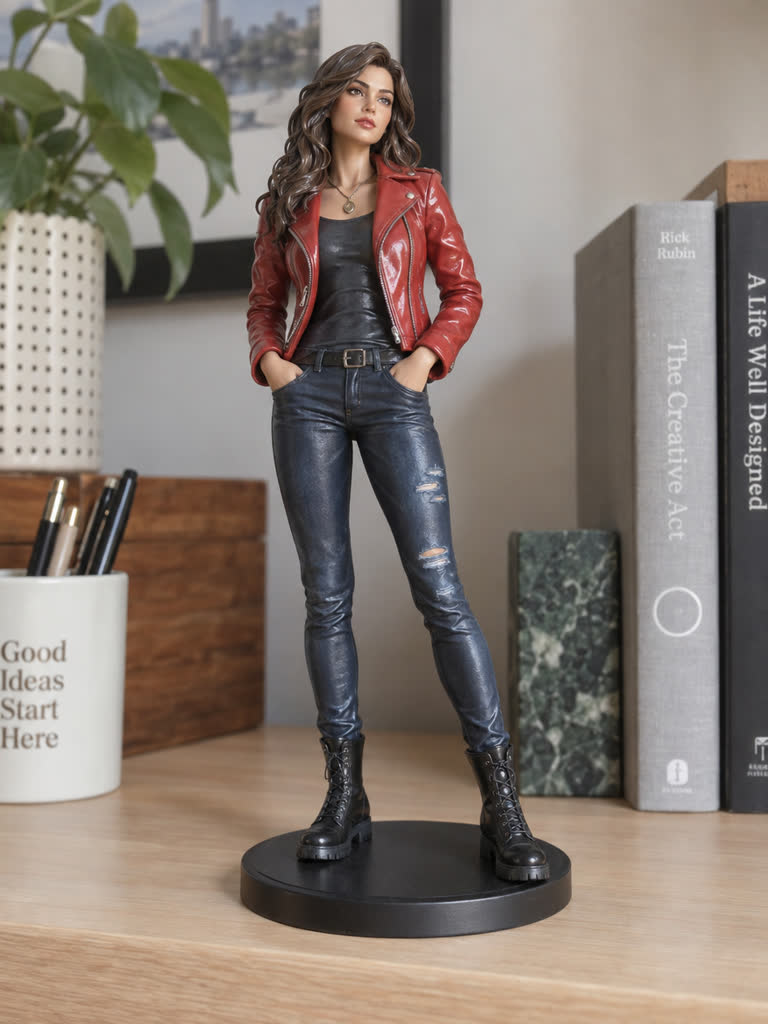 Preset artwork
Shelf Figurine
45 cr per run
What you can do with Nano Banana Pro
Edit with a reference
Upload up to 8 reference images and describe the change; the subject stays recognisable.
Up to 4K
Standard size is 45 credits per image, 4K is 95 per image.
4 images per run
Generate up to 4 variations at once (180 credits for 4 at standard size).
10 aspect ratios
21:9, 16:9, 3:2, 4:3, 5:4, 1:1, 4:5, 3:4, 2:3 and 9:16.
Worked example
Four catalogue shots from one product photo
- Open Nano Banana Pro in Design Studio and add your product photo as a reference.
- Prompt: “Clean catalogue shot on warm limestone, soft window light from the left, keep the label exactly as it is.”
- Choose 4:5, set 4 images, check the price on the Generate button, then confirm.
Nano Banana Pro · 4 images · 4:5 · 1 reference: 180 credits
How to use it
- 1
Describe it
Write the image you want, or add a reference to edit from.
- 2
Set the output
Studio opens with Nano Banana Pro selected. Pick ratio and count; the price updates on the button.
- 3
Confirm and generate
Credits are only spent when you press Generate. Results land in your Asset Library.
Questions
How much does Nano Banana Pro cost on Draftless?
From 45 credits per image. The exact price is on the Generate button before anything is charged.
Can I edit an image I already have?
Yes. Add the image as a reference in Studio and describe the change.
How many images per run?
You choose the count in Studio; the price on the button covers all of them.
Are my prompts and media used for training?
The provider has not confirmed its training terms, so we list it as unconfirmed on our Sub-processors page.
Where do my results go?
Every generation is saved to your Asset Library, where you can download it, animate it or keep editing.
How much does Nano Banana Pro cost?
45 credits per image at standard size and 95 per image at 4K. 4 images in one run cost 180 credits at standard size.
Nano Banana vs Nano Banana 2 vs Nano Banana Pro: what is the difference?
Nano Banana (Gemini Flash Image) is the budget model at 12 credits per image and edits with up to 3 references. Nano Banana 2 (Gemini 3.1 Flash Image) is text-to-image only, 25 credits at 1K and 50 at 4K. Nano Banana Pro (Gemini 3 Pro Image) is for edits that must keep the subject, with up to 8 references, at 45 credits (95 at 4K).
Is there unlimited Nano Banana?
Yes, for base Nano Banana on the Pro, Studio and Scale plans, within a fair-use limit of 300 images a month and 20 a day per workspace. Nano Banana Pro and Nano Banana 2 are always billed in credits.
Can Nano Banana Pro edit my own photo?
Yes. Add the photo as a reference in Design Studio (up to 8) and describe the change, for example a new background or light, and the product or person stays recognisable.
Does Nano Banana Pro render 4K?
Yes. Choose 4K in Design Studio; it costs 95 credits per image.
Which aspect ratios does Nano Banana Pro support?
21:9, 16:9, 3:2, 4:3, 5:4, 1:1, 4:5, 3:4, 2:3 and 9:16.
Similar models
Picked by type and price, so you can compare before you generate.