Seedream 5.5 by ByteDance creates and edits images guided by up to ten reference images, in ten aspect ratios, one image of about 2K per run.
- reference images
- 1reference images
- edit an existing image
- Editedit an existing image
- aspect ratios
- 10aspect ratios
Made with Seedream 5.5
Outputs we generated ourselves. The line under each one says how we know which model made it.
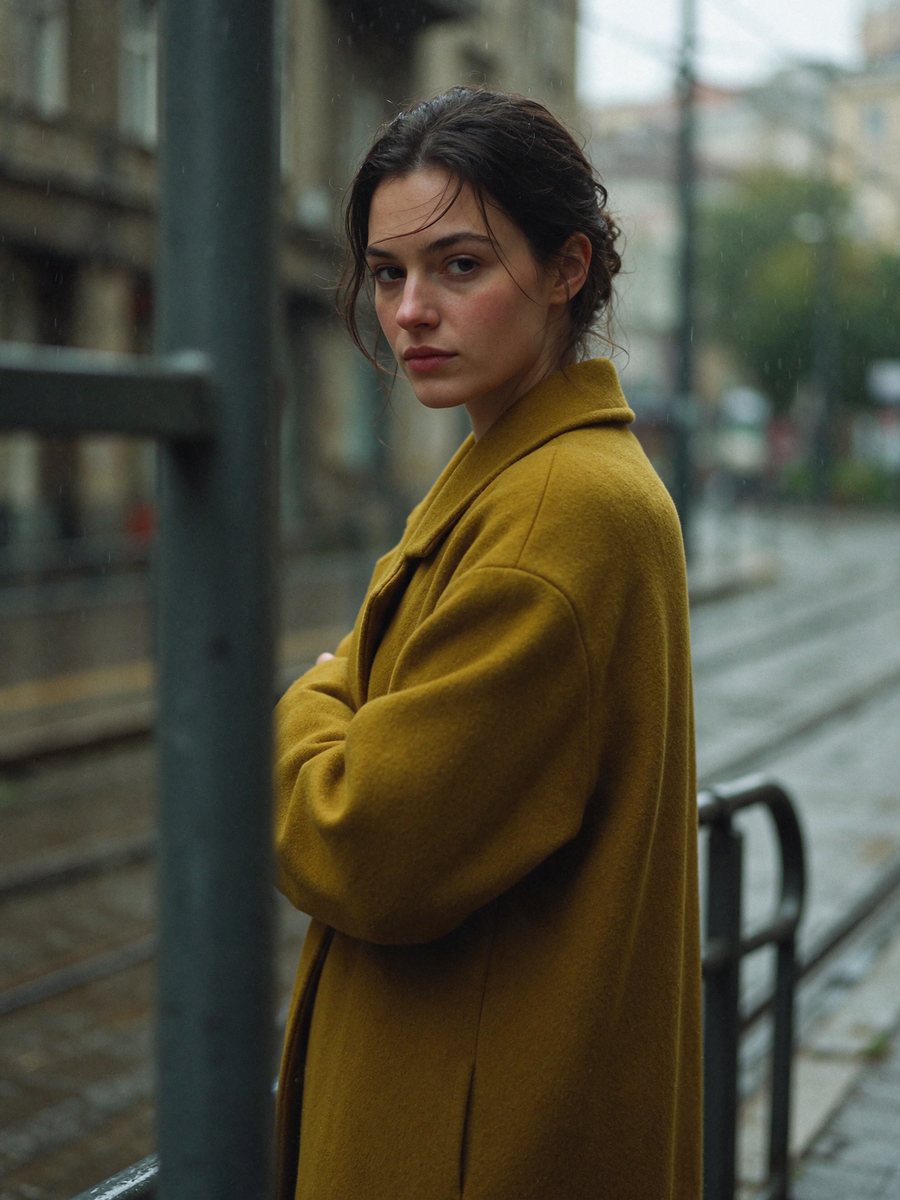
Woman in a mustard coat at a rainy tram stop
Generated on this model by Draftless, unedited

Yuzu soda bottle with a label, on crushed ice
Generated on this model by Draftless, unedited
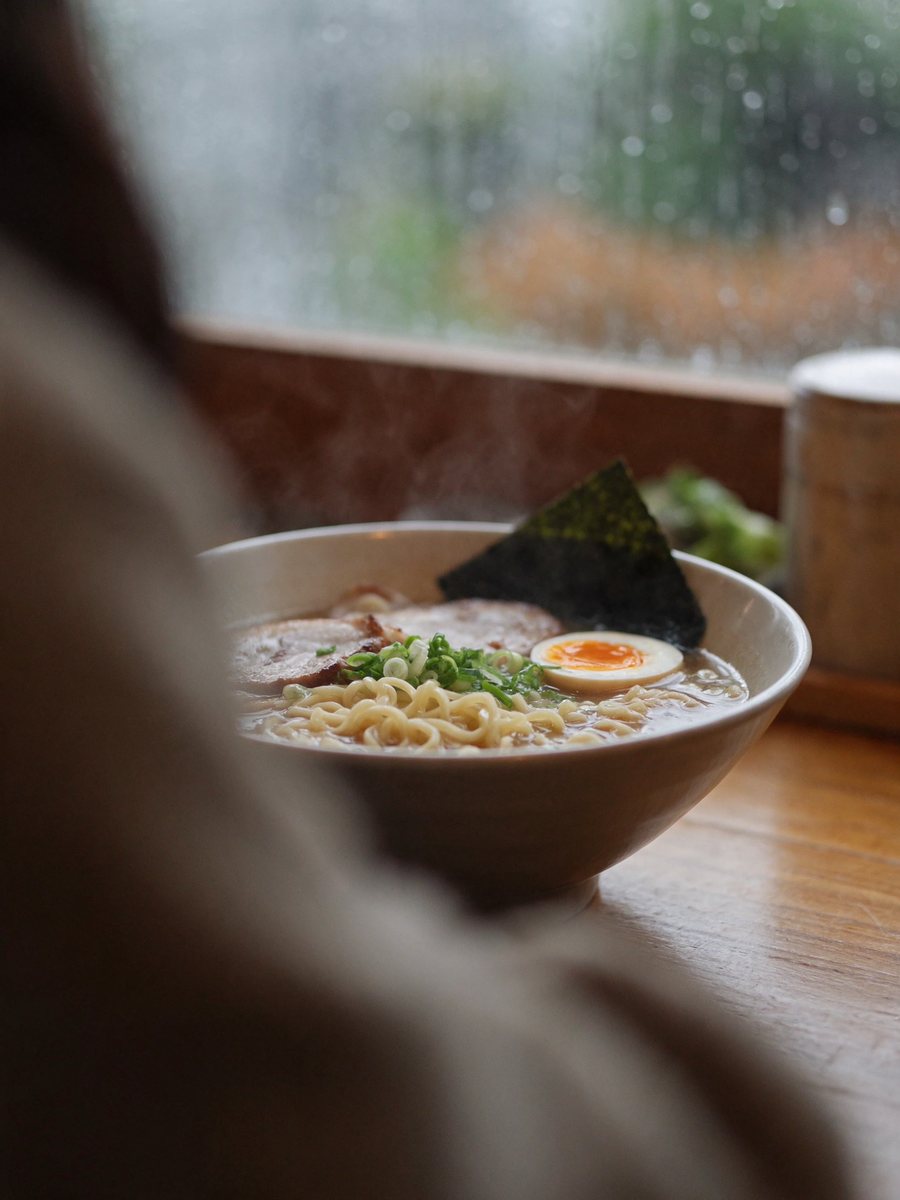
Bowl of ramen by a rainy window
Generated on this model by Draftless, unedited
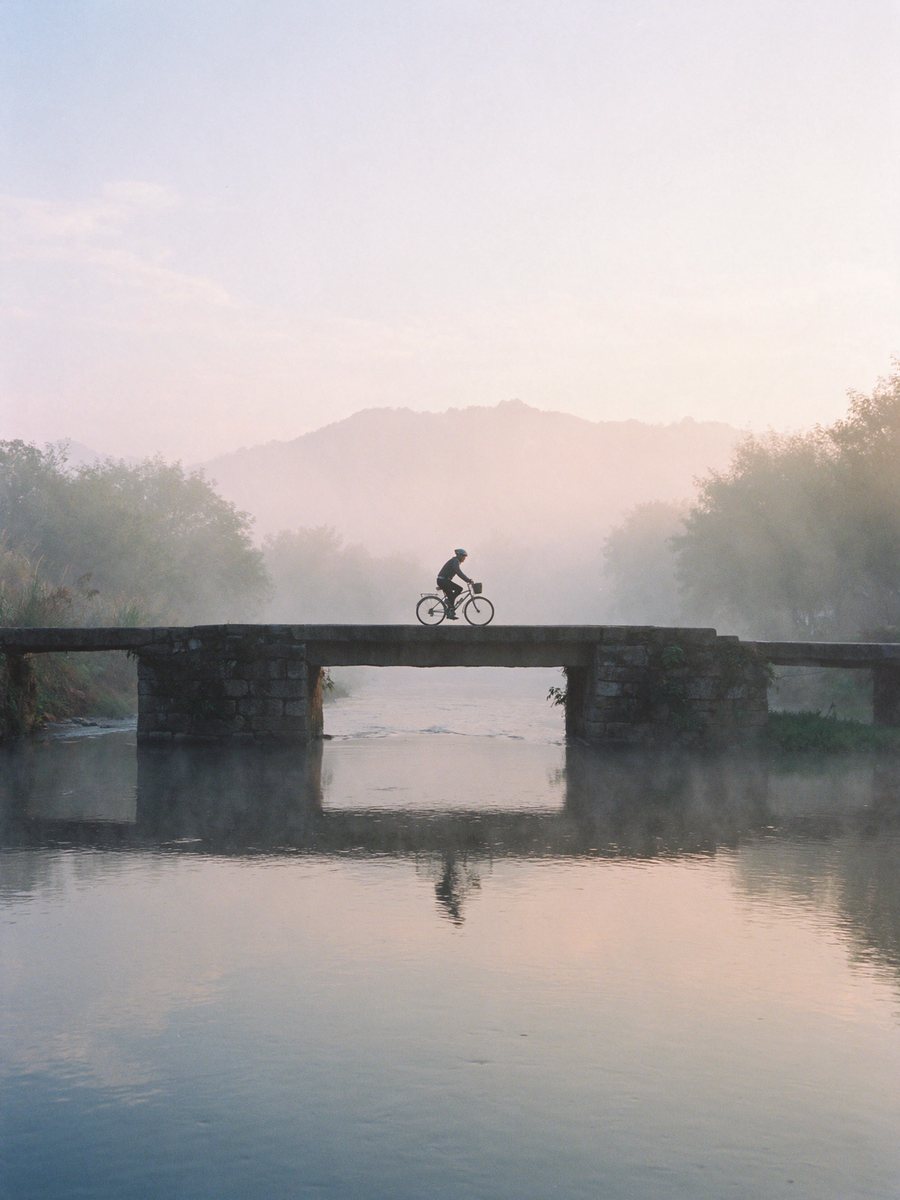
Cyclist on a misty stone bridge at dawn
Generated on this model by Draftless, unedited
What a run costs
Per image, from the same calculator Studio charges with.
How to use it
- 1
Describe it
Write the image you want, or add a reference to edit from.
- 2
Set the output
Studio opens with Seedream 5.5 selected. Pick ratio and count; the price updates on the button.
- 3
Confirm and generate
Credits are only spent when you press Generate. Results land in your Asset Library.
Questions
How much does Seedream 5.5 cost on Draftless?
From 13 credits per image. The exact price is on the Generate button before anything is charged.
Can I edit an image I already have?
Yes. Add the image as a reference in Studio and describe the change.
How many images per run?
You choose the count in Studio; the price on the button covers all of them.
Are my prompts and media used for training?
The provider uses only anonymised usage data, not your prompts or media.
Where do my results go?
Every generation is saved to your Asset Library, where you can download it, animate it or keep editing.
Similar models
Picked by type and price, so you can compare before you generate.